 Table of Contents
Introduction
In the contracting and construction industry, every invoice, job quote, labor cost, and material expense can make or break a project’s profitability. That’s why choosing the right accounting software isn’t just about staying compliant — it’s about staying in business. For tradespeople, builders, and general contractors, QuickBooks for Contractors 2024 offers tools tailored to how your projects actually run.
Unlike generic accounting software, QuickBooks has versions built specifically for your industry. The Premier Contractor Edition in 2024 combines powerful job costing, billing workflows, and subcontractor management features to simplify every phase of your business—from estimate to payment.
In this guide, we’ll break down everything you need to know: features, pricing, real-world use cases, and setup steps for using QuickBooks for contractors 2024 to its full potential.
Why Contractors Need Specialized Accounting Tools
Standard bookkeeping software can help you send invoices and track expenses. But in construction and contracting, you need much more:
-
Tracking costs across multiple jobs
-
Billing clients progressively
-
Managing subcontractors and vendors
-
Handling retainage and change orders
-
Complying with tax laws for construction services
That’s why QuickBooks for contractors 2024 is more than just accounting—it’s a project financial management system built into your desktop.
And unlike online-only software, the desktop version of QuickBooks gives you full control and better performance, especially when handling large files and complex transactions.
QuickBooks Premier Contractor Edition 2024 – Overview
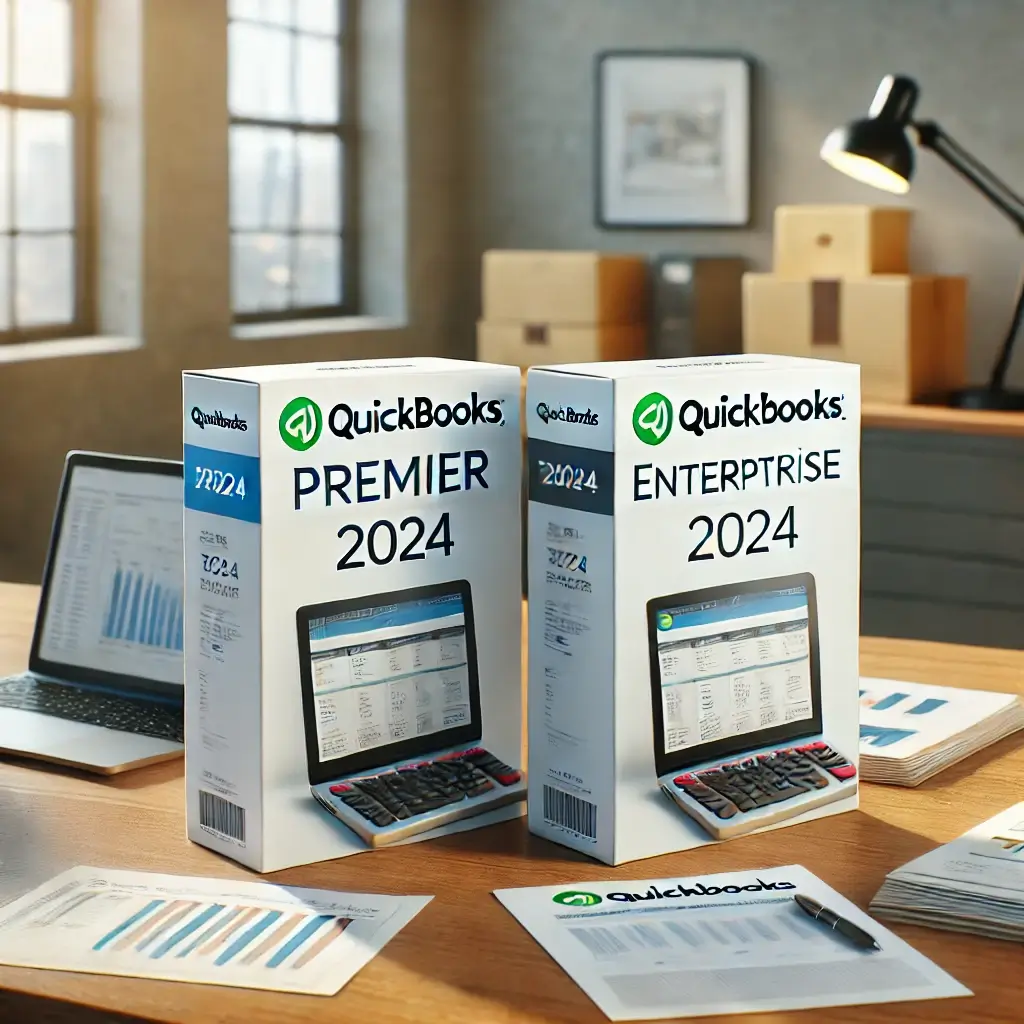
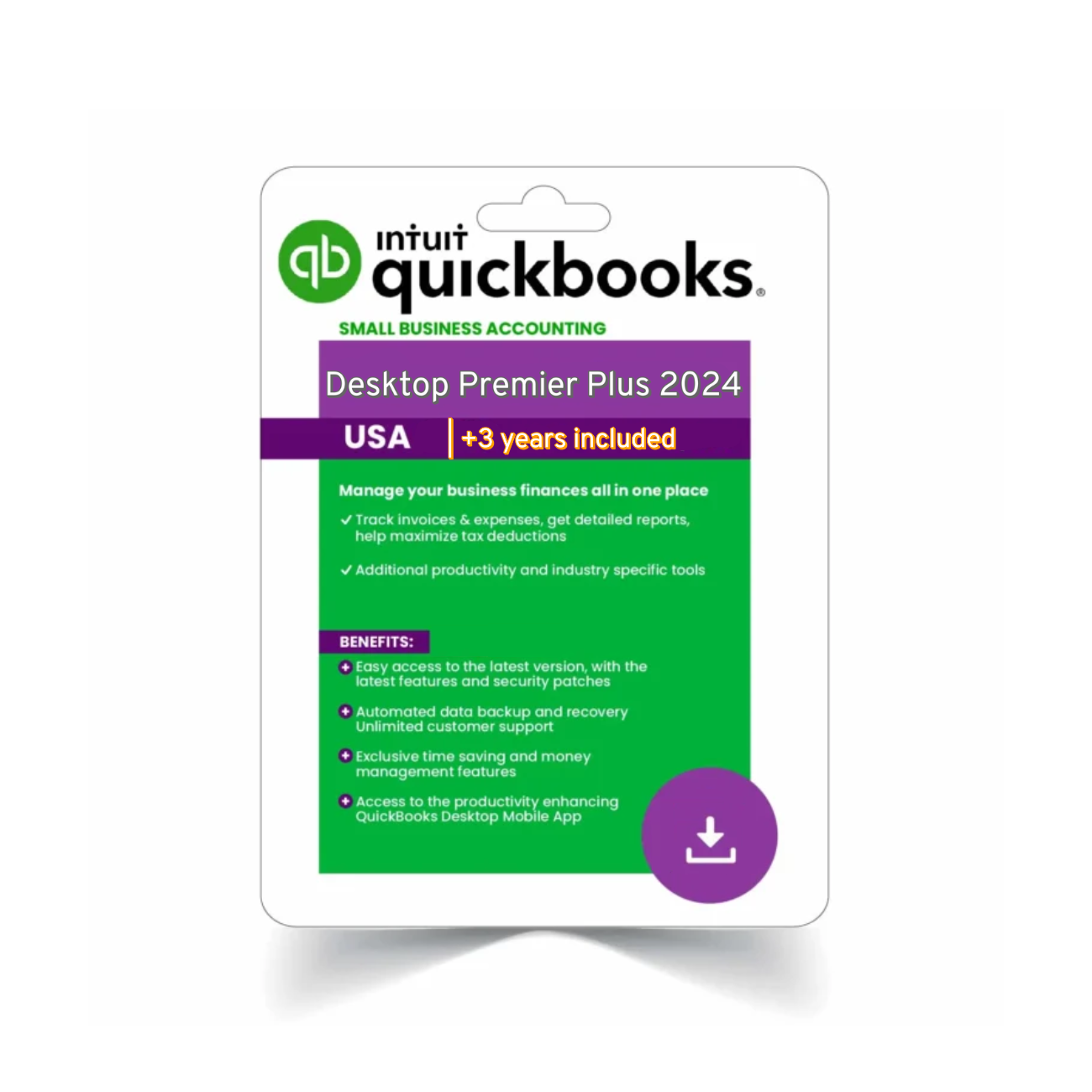
One of the most popular options for construction professionals is QuickBooks Premier Plus 2024, which includes the Contractor Edition as a selectable feature.
With this edition, you can:
-
Create detailed job estimates and convert them into invoices
-
Track job costs for labor, materials, equipment, and subcontractors
-
Run industry-specific reports like “Job Profitability” and “Cost to Complete”
-
Set billing rates for different employee roles
-
Handle multiple vendors and customer progress payments with ease
QuickBooks for contractors 2024 is ideal for general contractors, electricians, HVAC specialists, plumbers, roofing companies, and renovation pros.
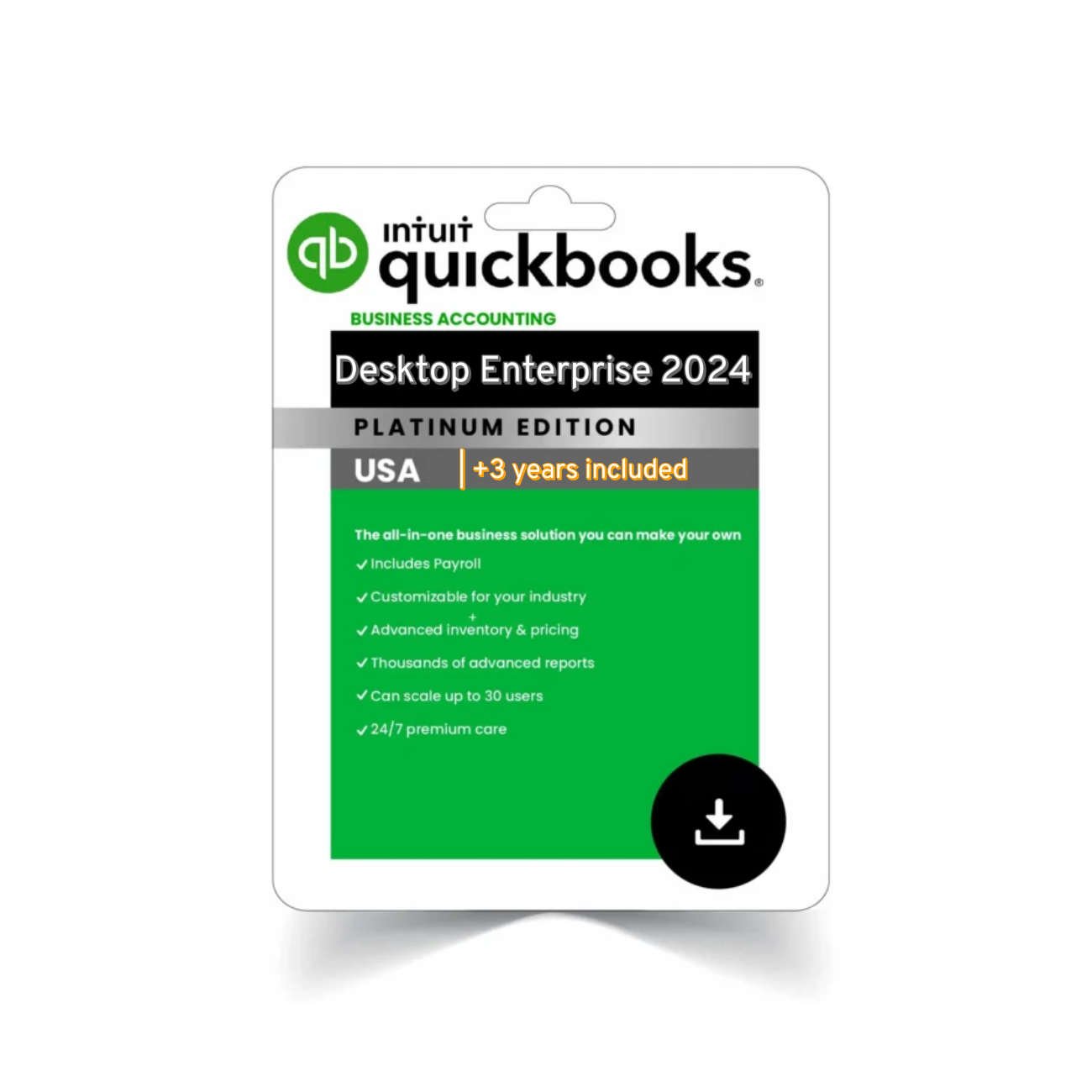
If you’re running a mid- to large-sized operation, QuickBooks Enterprise 2024 offers even more advanced tools like advanced reporting, inventory for project supplies, and deeper user role management.
Top Features for Construction & Contracting Businesses
Let’s take a closer look at the key features that make QuickBooks Premier Contractor Edition 2024 a standout:
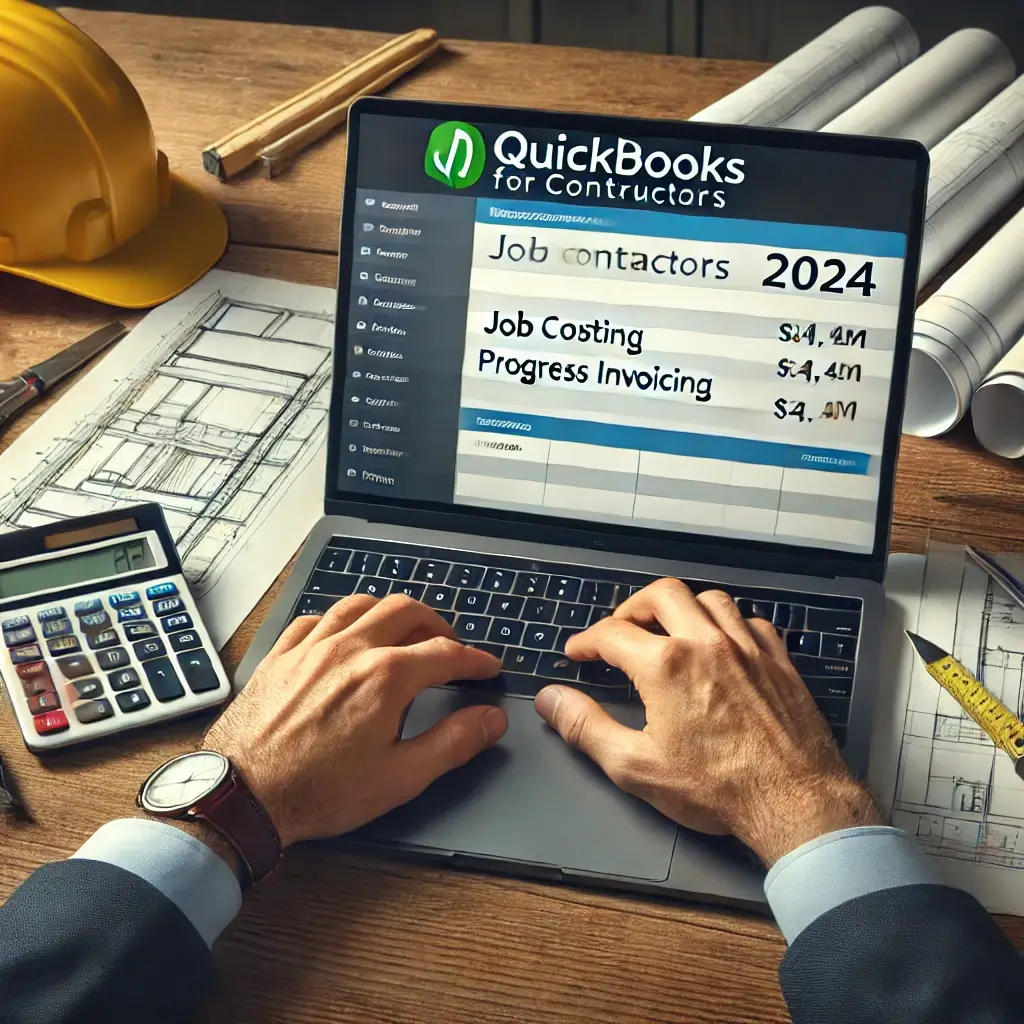
 Job Costing & Job Reports
-
Assign expenses to jobs in real time
-
View detailed job costing reports
-
Understand which projects are profitable and why
-
Compare estimated vs. actual costs
Change Order Management
-
Easily add change orders to estimates
-
Update invoices to reflect project scope adjustments
-
Reduce disputes with clear billing history
Progress Invoicing
-
Bill in phases based on project milestones
-
Show original estimate, previous payments, and current charges
-
Improve cash flow and client transparency
Custom Billing Rates
-
Set rates for different roles: journeyman, apprentice, supervisor
-
Automatically apply correct billing rates to job time entries
Industry-Specific Reports
-
Job Cost by Vendor
-
Job Profitability Summary
-
Unbilled Time and Costs
-
Cost to Complete by Job
All of these tools help construction businesses stay on budget and on time.
Who Should Use QuickBooks for Contractors 2024?
This software is built for professionals who juggle multiple jobs, vendors, and field teams. You’ll benefit most if you:
-
Own a small to medium construction or remodeling firm
-
Offer project-based or contract services
-
Work with subcontractors and handle change orders
-
Need more control than cloud-based tools offer
-
Want accurate reporting and customizable dashboards
Whether you’re a general contractor building homes or a solo electrician tracking service jobs, QuickBooks for contractors 2024 will help you keep your finances as organized as your toolbelt.
 How to Set Up QuickBooks for Contractors 2024
Getting started with QuickBooks Premier Contractor Edition 2024 is straightforward, even if you’re switching from spreadsheets or older accounting systems. Here’s a step-by-step process to guide you:
 Step 1: Choose the Right Edition
If you’re a small or mid-size contractor, QuickBooks Premier Plus 2024 with the Contractor Edition is ideal. For more complex operations, go for QuickBooks Enterprise 2024.
Step 2: Install & Activate
-
Download the software from your order confirmation link
-
Launch the installer and follow the on-screen prompts
-
Enter your license number and product key
-
Select “Contractor” as your industry during company file setup
Step 3: Set Up Your Chart of Accounts
QuickBooks will automatically recommend contractor-friendly accounts, but you can further customize them for:
-
Equipment rentals
-
Subcontractor costs
-
Permit fees
-
Retainage receivable/payable
Step 4: Customize Job Costing
Under Preferences > Jobs & Estimates, turn on:
-
Job costing
-
Itemized estimates
-
Progress invoicing
You’ll now be able to link every cost directly to a job, making reporting much more accurate.
Step 5: Add Users (Optional)
If your team includes office managers, estimators, or bookkeepers, assign user roles with customized access. This helps control data security and efficiency.
 Pricing Breakdown
Here’s how QuickBooks for contractors 2024 is typically priced:
| Version | Price (Annually) | Users Included | Contractor Tools |
|---|---|---|---|
| Premier Plus 2024 | ~$549 | 1–5 | Yes |
| Enterprise 2024 (Silver) | ~$1,199 | Up to 30 | Yes |
| Enterprise 2024 (Platinum) | ~$1,499 | Advanced payroll + inventory | Yes |
 Pro Tip: Buying from a certified reseller like Agenzix can often get you a better deal, including instant license delivery and no monthly user fees.
 Real-World Use Case: Residential Remodeling Firm
“We were using spreadsheets, which were fine at first. But as soon as we started juggling multiple kitchen and bath remodels at once, things got messy. QuickBooks for Contractors let us track every dollar spent per job, invoice in stages, and actually understand if we were making money or not.”
– Sarah T., Owner, Renovation Works LLC
 External Resources
To see official feature breakdowns and comparisons, visit: QuickBooks Contractor Edition by Intuit
You’ll find Intuit’s recommended hardware specs, side-by-side comparisons with other industry versions, and downloadable guides.
 FAQs – QuickBooks for Contractors 2024
Q1: What is the best QuickBooks version for contractors?
QuickBooks Premier Plus 2024 with the Contractor Edition is best for most small to medium-sized construction businesses. Larger firms may prefer Enterprise.
Q2: Can I do job costing with QuickBooks for Contractors?
Yes, job costing is one of the top features. You can assign costs to specific jobs and view detailed profitability reports in real-time.
Q3: Can QuickBooks track subcontractor payments and W-9s?
Yes. You can create vendor profiles, issue payments, and generate 1099s. You can also track retainage separately.
Q4: Does QuickBooks for Contractors support mobile use?
QuickBooks Desktop does not have native mobile apps, but you can sync some data or use third-party tools for field entry. For full mobile access, QuickBooks Online is better — though it lacks contractor-specific tools.
 Final Thoughts: Is QuickBooks for Contractors 2024 Worth It?
If you’re managing more than one job site, hiring subs, or billing in stages, QuickBooks for Contractors 2024 isn’t just helpful — it’s essential. It replaces clunky spreadsheets, reduces guesswork, and gives you control over every cost, invoice, and payment related to your jobs.
Compared to other software that either focuses too much on construction project management or lacks depth in accounting, QuickBooks strikes a strong balance. It’s built with contractors in mind, and it delivers — from estimate to final invoice.
 Where to Buy QuickBooks for Contractors 2024
You can get an official license, instant delivery, and competitive pricing at: Buy QuickBooks Premier Plus 2024 Contractor Edition – Agenzix
Or explore more versions if your needs grow: Explore QuickBooks Enterprise 2024