 Table of Contents
Introduction
Choosing the right accounting software is more than a tech decision—it’s a growth decision. If you’re stuck between QuickBooks Premier vs Enterprise 2024, this guide will help you make the smart call for your business.
Both versions are trusted by thousands of U.S. companies, but they serve different needs. Whether you’re managing payroll, tracking jobs, or scaling operations, one version will serve you better than the other. We’ll help you compare pricing, features, scalability, and performance so you can confidently choose the best QuickBooks version for your 2024 goals.
Quick Comparison: Premier vs Enterprise
| Feature | QuickBooks Premier 2024 | QuickBooks Enterprise 2024 |
|---|---|---|
| Max Users | 5 | Up to 40 |
| Inventory | Basic | Advanced (FIFO, bin location, barcodes) |
| Pricing Rules | Standard | Custom/Advanced |
| Reporting | Industry-specific | 200+ customizable reports |
| Payroll | Add-on | Included (Platinum only) |
| Industry Editions | Yes | Yes (more depth) |
| Role Permissions | Limited | Advanced Role-based |
QuickBooks Premier Plus 2024 – What You Need to Know
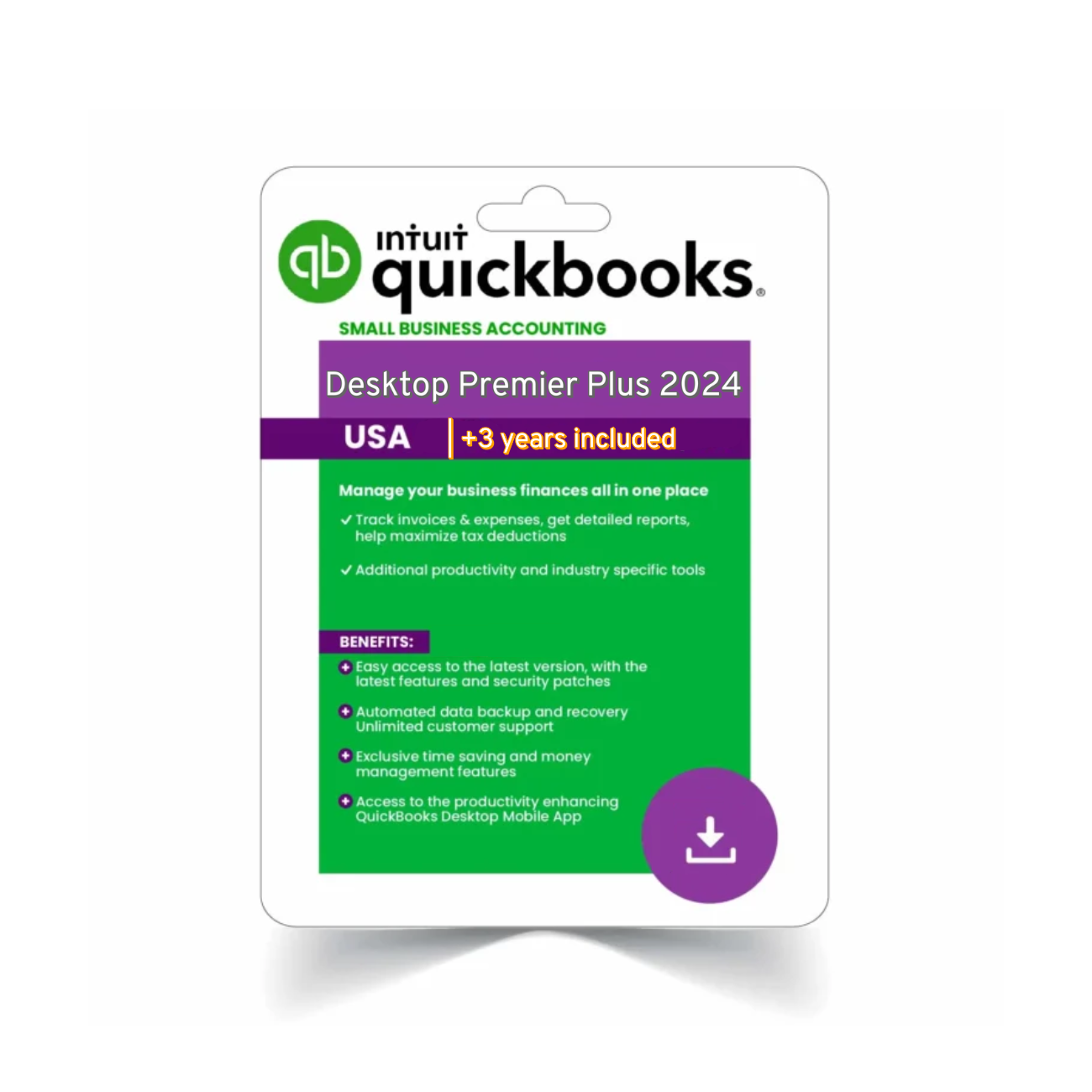
QuickBooks Premier Plus 2024 is tailored for small to mid-sized businesses who want better reporting and industry-specific tools without the steep price tag of Enterprise.
 Key Features:
Supports 5 users
Includes editions for contractors, manufacturing, retail, and more
Strong job costing, budgeting, and forecasting
Standard inventory tracking
Custom sales and expense reports
Works great for service-based businesses
Best For:
Retail shops
Construction contractors
Nonprofits
Light inventory businesses
QuickBooks Enterprise 2024 – What Makes It Different?
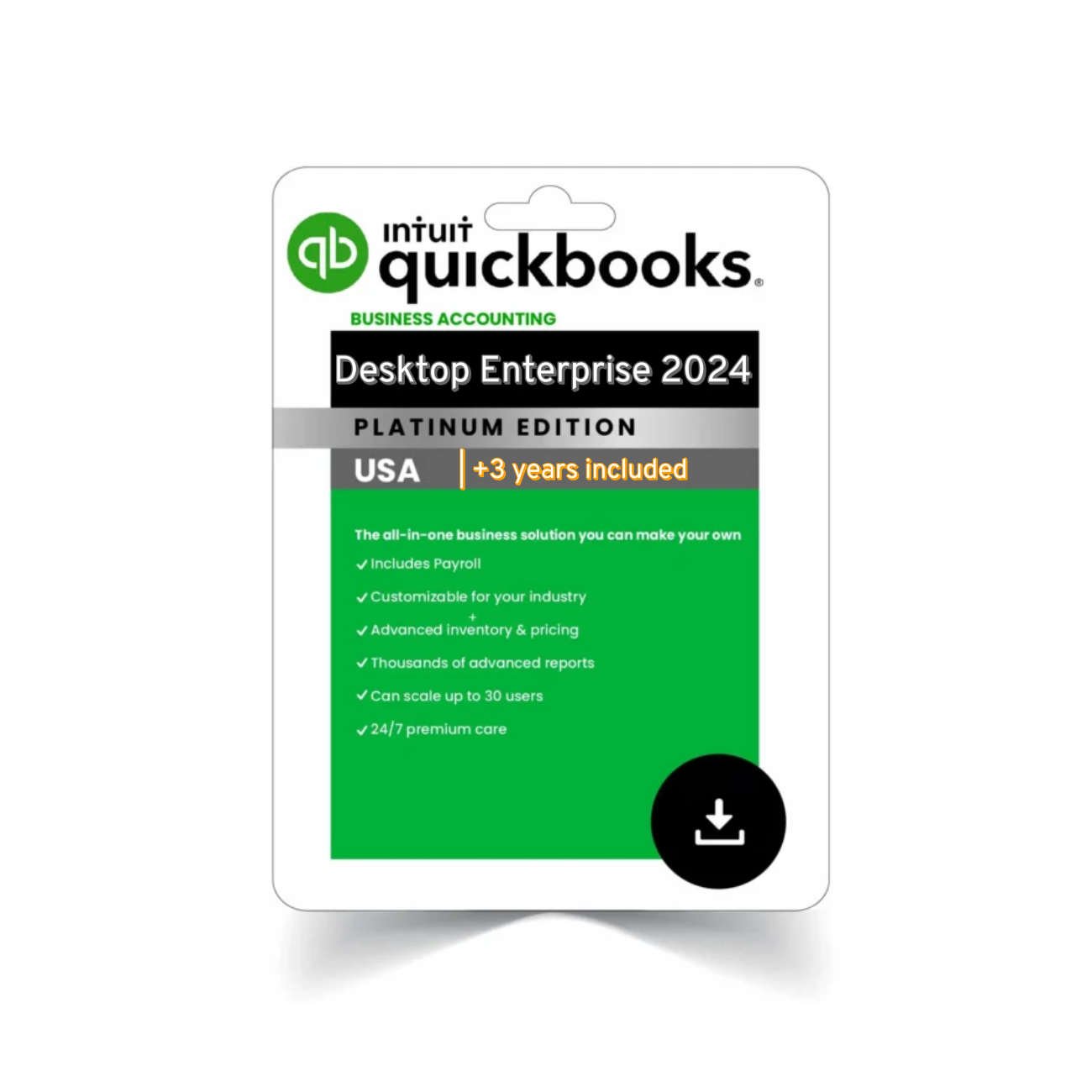
QuickBooks Enterprise 2024 is Intuit’s most powerful desktop solution. Built for scalability, it includes everything in Premier and much more.
Key Features:
Up to 40 users
Advanced inventory tools: FIFO, multiple sites, barcoding
Custom pricing rules
Role-based user access and permissions
Built-in Enhanced Payroll (Platinum)
Priority support
Industry editions (deeper capabilities than Premier)
Best For:
Warehousing & manufacturing
Multi-location businesses
Companies with complex workflows
Businesses with 10+ employees
Key Differences Between QuickBooks Premier vs Enterprise 2024
| Category | Premier 2024 | Enterprise 2024 |
|---|---|---|
| User Capacity | 5 | 40 |
| Inventory Management | Basic | Advanced |
| Reporting | Standard | Deep customization |
| Payroll | Optional Add-on | Included in Platinum |
| User Roles | Limited | Fully customizable |
| Support | Standard | Priority |
| Pricing Rules | Basic | Tiered, custom by item or customer |
 QuickBooks Enterprise 2024 is designed for businesses that need more control, automation, and performance at scale.
How to Decide: Which Version Fits Your Business?
When comparing quickbooks premier vs enterprise 2024, it’s clear to Ask yourself:
Do I need more than 5 users?
Is my inventory complex or simple?
Do I need payroll built-in?
Am I currently on Pro or Premier and feeling limited?
Go with Premier if:
You have a small team
You’re in a niche industry like construction, retail, or nonprofits
You need better reporting than Pro but don’t require advanced inventory
Choose Enterprise if:
You’re managing multiple locations
You need FIFO, barcode scanning, or custom pricing
You want deep customization and access control
 Step-by-Step: How to Upgrade to Enterprise or Premier
Step 1: Identify your current version (Pro/Premier/Old Enterprise)
Check this in Help > About QuickBooks.
Step 2: Choose the right edition
Visit the official QuickBooks Desktop Editions page or Agenzix’s full product list.
Step 3: Backup your data
Use QuickBooks’ built-in backup tool before installation.
Step 4: Install and activate your new license
Follow the on-screen steps or use the QuickBooks Tool Hub if needed.
 FAQs – Quickbooks premier vs enterprise 2024
Q1: Can I upgrade from Premier to Enterprise?
Yes! Data transfers are seamless and most customizations will carry over.
Q2: Is QuickBooks Enterprise too much for a small business?
If you don’t need 6+ users or advanced inventory, it may be more than you need. Premier will likely be more cost-effective.
Q3: Does Enterprise include payroll?
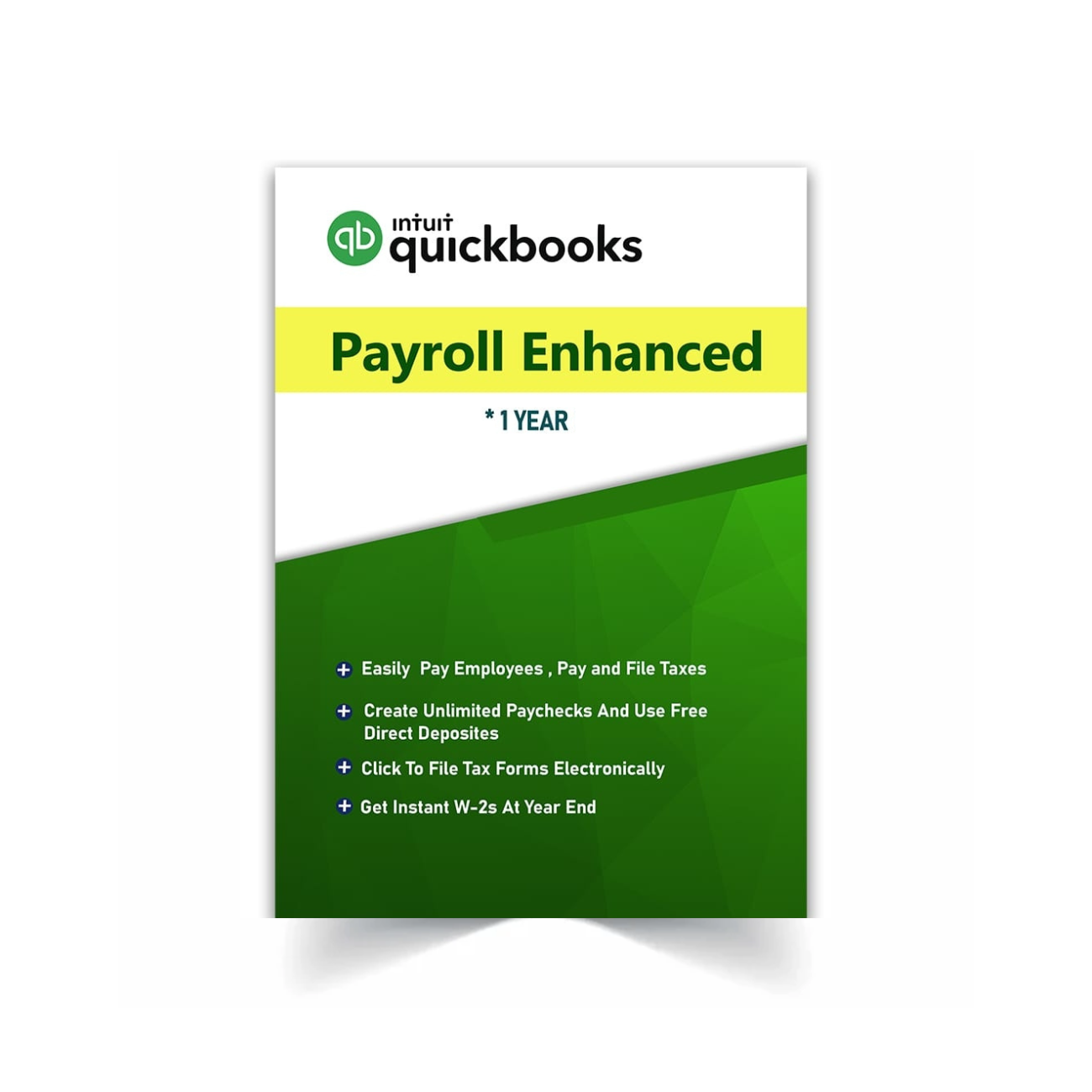
Yes, the Platinum edition includes Enhanced Payroll with unlimited runs and tax form filing.
Final Recommendation
So, QuickBooks Premier vs Enterprise 2024 — which should you choose?
If you need industry tools, job costing, and solid reporting, Premier is reliable and affordable.
If your team is growing fast, manages inventory, or needs powerful reporting, user controls, and built-in payroll, Enterprise is the better investment.
 Browse both options right now: