 Table of Contents
 Why System Requirements Matter
Before installing any software—especially one as data-intensive as QuickBooks—it’s crucial to ensure your system meets the requirements. Using outdated hardware or unsupported operating systems can lead to installation errors, data loss, or painfully slow performance. That’s why knowing the full QuickBooks Desktop 2024 system requirements is more than just a technical detail—it’s step one toward running a stable, efficient accounting setup.
Whether you’re using QuickBooks Pro, Premier, Enterprise, or the Mac Plus edition, confirming compatibility avoids issues like crashing, syncing failures, and corrupted backups. This post gives you a complete overview of supported systems for QuickBooks Desktop 2024, with tailored recommendations for both Windows and Mac users.
 QuickBooks 2024 Compatibility at a Glance
Here’s a quick summary of what your system needs to run QuickBooks Desktop 2024 efficiently:
| Requirement | Windows 11/10 | macOS Ventura/Sonoma |
|---|---|---|
| OS Support | Yes |
Yes |
| RAM | Min: 8 GB | Min: 8 GB |
| Processor | 2.4 GHz+ | Apple Silicon or Intel |
| Disk Space | 2.5 GB | 1 GB |
| Display | 1280×1024 | 1280×1024 |
More detailed specs are covered in the sections below.
 Minimum vs Recommended Specs for Windows Users
QuickBooks Desktop 2024 systems is optimized to windows , but your experience will depend on your machine’s specs. Here’s what Intuit recommends:
Operating System
-
Windows 11 (64-bit), fully updated
-
Windows 10 (64-bit), version 22H2 or higher
-
Not compatible with Windows 7 or Windows 8.1
Processor
-
Minimum: 2.4 GHz
-
Recommended: Intel i5 or higher (multicore)
RAM
-
Minimum: 8 GB
-
Recommended: 16 GB for Enterprise or large company files
Disk Space
-
Minimum: 2.5 GB for QuickBooks installation
-
Additional 1 GB for .NET and Windows updates
-
SSD strongly recommended for faster performance
Display
-
1280×1024 minimum resolution
-
Higher resolutions supported, especially on multiple monitors
Internet
-
Internet connection required for payroll, updates, online banking
Other Requirements
-
Adobe Reader 11.0+ for printing forms
-
Microsoft .NET Framework 4.8
-
Admin rights during installation
 Pro Tip: For large files or multi-user setups, aim for 32 GB RAM and a dedicated workstation with SSD.
 System Requirements for Mac Users
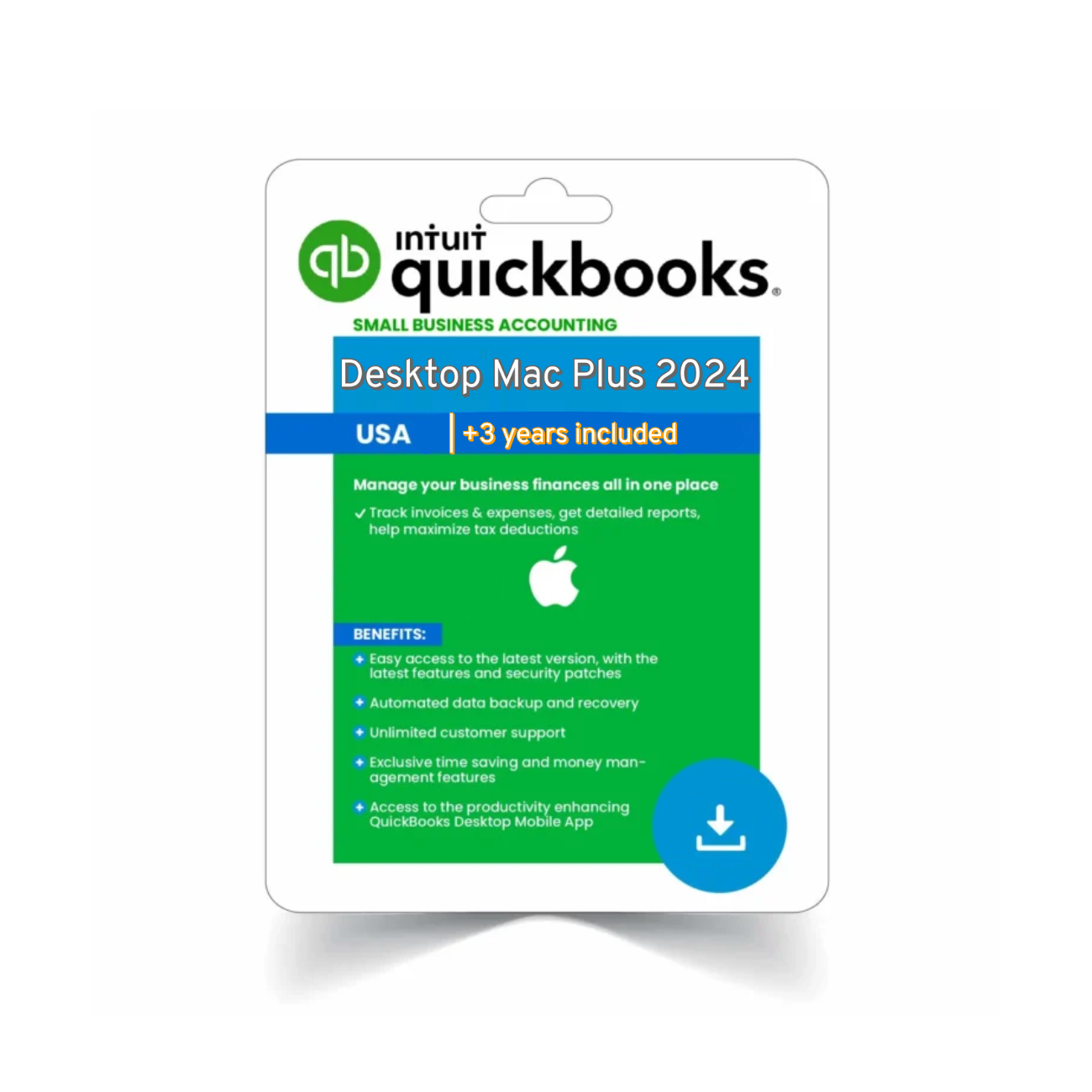
QuickBooks Mac Plus 2024 is built specifically for Apple hardware and includes support for the latest macOS versions.
Operating System
-
macOS Ventura (13) and macOS Sonoma (14) supported
-
Earlier versions may lack compatibility for updates
Processor
-
Apple M1, M2, or M3 chips (native support)
-
Intel-based Macs still supported with Rosetta
RAM
-
Minimum: 8 GB
-
Recommended: 16 GB for optimal performance
Disk Space
-
Minimum: 1 GB for installation
-
2–4 GB recommended for working with large company files
Display
-
1280×1024 minimum
-
Optimized for Retina displays
Internet
-
Required for payroll features, online backups, updates
 Which Version Should You Install?
Your system requirements may vary depending on which version of QuickBooks Desktop you’re planning to install. Here’s a quick guide:
| QuickBooks Edition | Best for | Requires High Specs? |
|---|---|---|
| Pro Plus 2024 | Freelancers, small business |  |
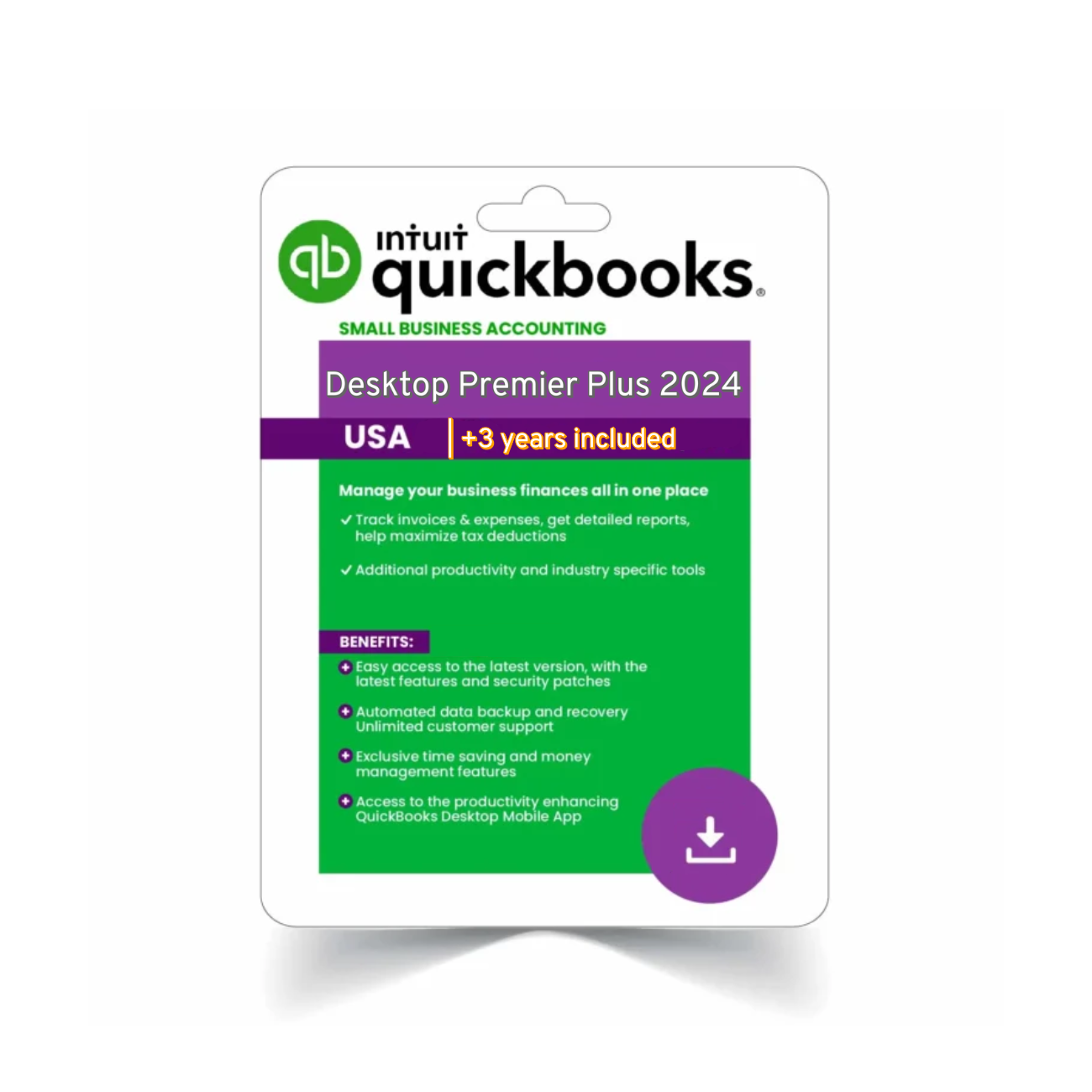
| Premier Plus 2024 | Contractors, nonprofits | |
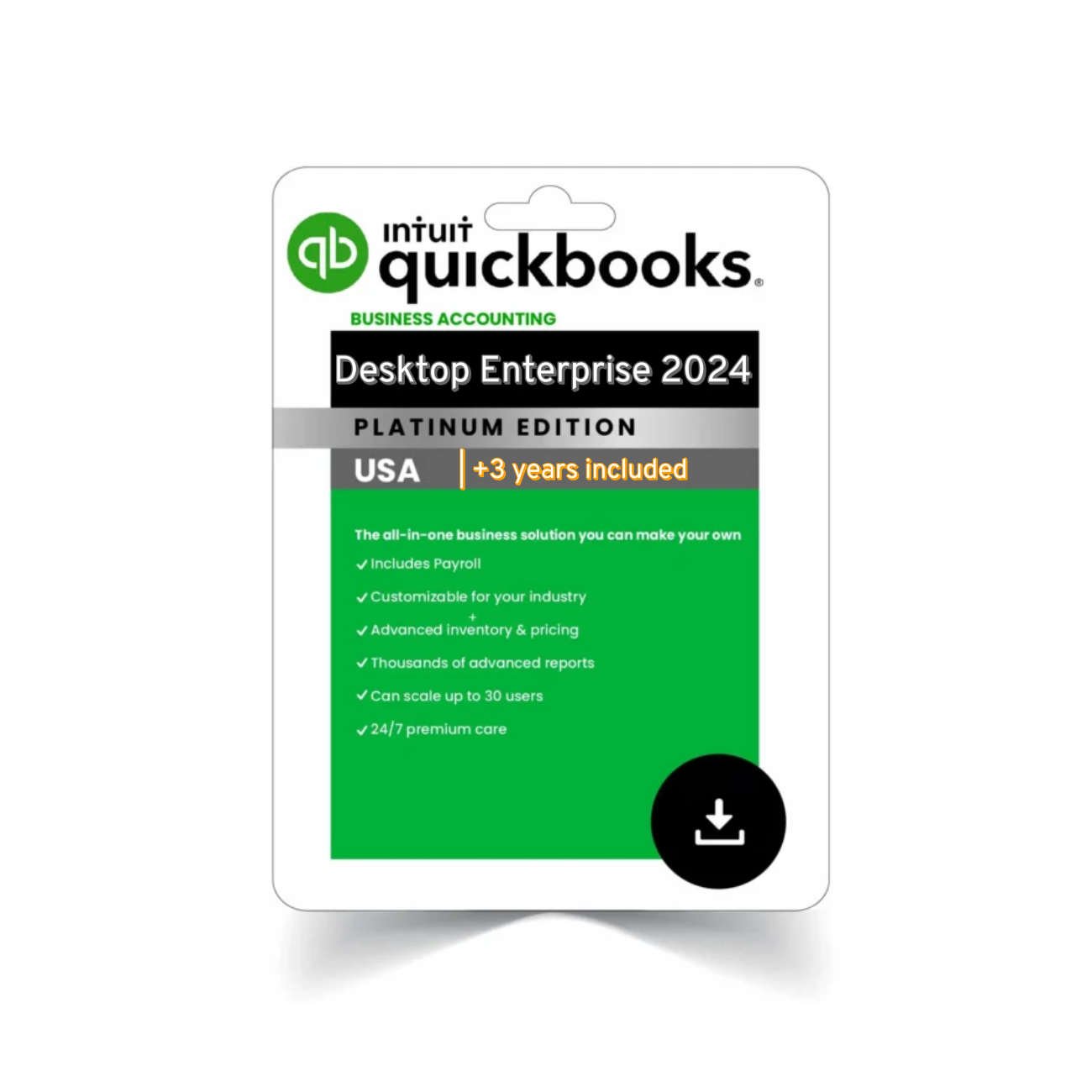
| Enterprise 2024 | Growing companies, inventory | |
| Mac Plus 2024 | Apple users only | |
 Need the software? Explore your edition here:
 Printer & Peripheral Compatibility
QuickBooks Desktop users often rely on printing checks, invoices, and forms. Here’s what to keep in mind when setting up printers and external devices:
Compatible Printers
-
All Windows-compatible inkjet and laser printers
-
Mac-supported printers that use standard macOS drivers
-
Check printing supports both voucher and standard formats
Checks & Forms
-
Official Intuit-compatible check stock is recommended
-
Multi-part forms require printers that support manual feeding
-
You can also export to PDF and print later using Adobe Reader
Scanners & PDF Writers
-
PDF printer: QuickBooks includes a built-in PDF export driver
-
Compatible with most USB-connected or wireless scanners
-
Ideal for attaching receipts or documents to vendor records
 Is Your QuickBooks Desktop 2024 System Truly Ready?
Before you install or upgrade, double-check that your QuickBooks Desktop 2024 system aligns with the software’s demands—not just on paper, but in performance. Many users overlook key elements like background apps, available disk space, and processor throttling that can significantly slow down QuickBooks. A system that meets the minimum specs might work, but a machine optimized for QuickBooks will give you smoother performance, faster report generation, and fewer errors during payroll runs or backups.
 Optimizing Your QuickBooks Desktop 2024 System Over Time
Even after installation, ongoing maintenance of your QuickBooks Desktop 2024 system helps preserve performance. Regularly clearing cached files, limiting non-essential startup programs, and updating drivers can extend the life of both your device and QuickBooks installation. If you’re planning to scale your team or data usage, upgrading your RAM or switching to a solid-state drive (SSD) will prepare your system for growth and ensure QuickBooks continues to run efficiently over the long haul.
Virtual Environments & Remote Access
Many users ask: Can I run QuickBooks Desktop 2024 on a cloud or virtual machine? The answer is yes — with the right tools.
 Supported Virtual Options
-
Microsoft Hyper-V, VMware, and Citrix XenApp environments are supported for Enterprise users
-
Not recommended for Pro or Premier unless you have IT experience
 Remote Access Options
-
Use Remote Desktop Protocol (RDP) or QuickBooks-hosted virtual desktops
-
Consider Intuit-authorized hosting providers for seamless remote access
 File Sharing & Multi-User Mode
-
Multi-user access requires installing QuickBooks Database Server Manager
-
Each workstation should meet or exceed recommended specs for smooth performance
 Common Compatibility Issues (and Fixes)
Even if your system meets the minimum specs, issues can arise. Here are some common problems and how to resolve them:
QuickBooks Crashes After Install
-
Likely cause: outdated .NET framework
-
Fix: Run Windows updates, install .NET 4.8 manually
Can’t Connect to Company File
-
Often caused by misconfigured multi-user setup
-
Fix: Ensure QuickBooks Database Server Manager is installed on host system
Mac App Won’t Launch
-
Caused by gatekeeper or outdated macOS
-
Fix: Update macOS to Ventura/Sonoma and reinstall QuickBooks
For full system specs and troubleshooting, visit the QuickBooks Desktop 2024 System Requirements (Intuit) page.
Pro Tips to Optimize Performance
 Always Use an SSD
QuickBooks reads and writes large data files frequently. Installing it on a solid-state drive (SSD) can reduce load times and improve report generation speed by over 40%.
 Keep Your System Clean
Run system cleanup tools regularly and make sure your antivirus doesn’t interfere with QuickBooks file access.
 Use Admin Permissions
Install and run QuickBooks with admin rights to avoid blocked features and update failures.
Backup Smart
Enable scheduled backups to local and cloud storage (Dropbox, Google Drive, iCloud) to protect your data against corruption or hardware failure.
 FAQs – QuickBooks Desktop 2024 System Requirements
Q1: Can I install QuickBooks 2024 on Windows 7 or 8?
No. QuickBooks Desktop 2024 requires Windows 10 (22H2) or Windows 11.
Q2: Does QuickBooks run natively on Apple Silicon?
Yes. QuickBooks Mac Plus 2024 is compatible with M1, M2, and M3 chips using native support or Rosetta.
Q3: How much RAM do I need for Enterprise?
We recommend 16–32 GB of RAM for optimal performance with large files and multiple users.
Q4: Can I install QuickBooks on multiple computers?
Yes, depending on your license type. QuickBooks Pro and Premier allow installs on up to 3 devices. Enterprise supports more users with license scaling.
Q5: What happens if I ignore system requirements?
You risk data corruption, slow performance, and limited access to updates, support, or payroll services.
Final Thoughts: Prepare Before You Install
Before you start setting up QuickBooks, take a moment to match your system with the right version. Whether you’re using a MacBook or a Windows desktop, confirming your QuickBooks Desktop 2024 system requirements in advance will save you headaches down the road.
If you’re using QuickBooks for payroll, contractor billing, or managing a growing business, you’ll want your accounting software to run flawlessly. A solid device, up-to-date OS, and the right version of QuickBooks are key to making that happen.
 Related QuickBooks 2024 Editions
-
QuickBooks Pro Plus 2024 – Best for small teams
-
QuickBooks Mac Plus 2024 – Built for macOS
-
QuickBooks Premier Plus 2024 – Industry-specific solutions