Introduction
If you’re a business owner or accountant trying to decide on the best QuickBooks Desktop version 2024, you’re not alone. With multiple editions available — Pro, Premier, Enterprise, and even Mac — making the right choice is essential for keeping your accounting efficient and cost-effective.
But here’s the catch: each version is built for a different type of user. Whether you’re a freelancer managing invoices or a company handling complex inventory and payroll, this guide will help you compare all options clearly and confidently.
Let’s find out which QuickBooks Desktop version 2024 fits your business best.
 QuickBooks Desktop Versions 2024: What’s Available?
Here’s a quick rundown of the available editions this year:
| Version | Ideal For | Max Users | Key Features |
|---|---|---|---|
| Pro Plus 2024 | Freelancers & Small Offices | 3 | Basic accounting, invoicing |
| Premier Plus 2024 | Growing SMBs | 5 | Job costing, industry reports |
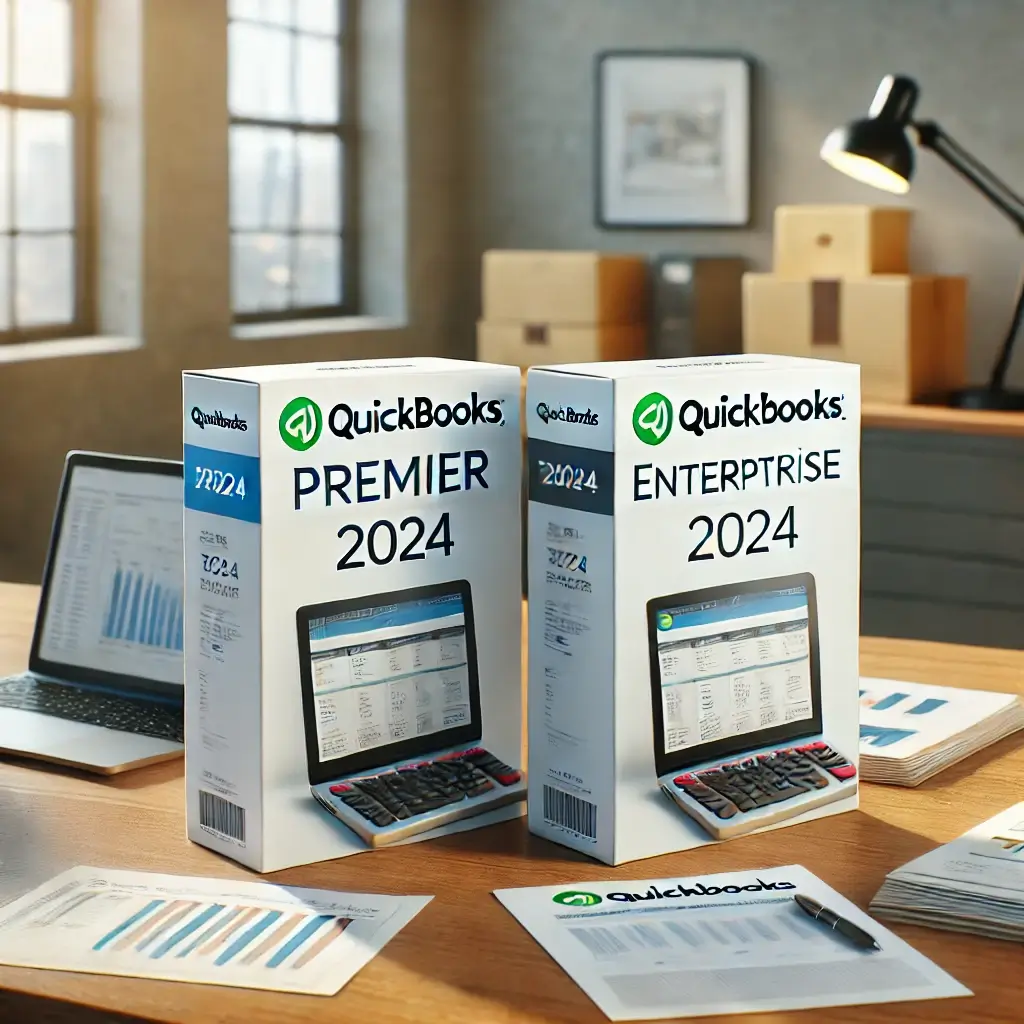
| Enterprise 2024 | Medium to Large Businesses | 40 | Advanced inventory, pricing, payroll |
| Mac Plus 2024 | Mac-based Small Businesses | 3 | Native Mac interface |
| Payroll Enhanced | Any Business (Add-on) | — | Automated payroll & tax filings |
We’ll now break down each version in detail and help you choose the right one based on your size, industry, and day-to-day needs.
 QuickBooks Pro Plus 2024 – Simplicity for Small Teams
QuickBooks Pro Plus 2024 is best suited for small offices, independent professionals, and businesses that need solid bookkeeping without all the bells and whistles.
 Best For:
Consultants and freelancers
Tradespeople
Sole proprietors or 1–3 employee teams
 Key Features:
Track income and expenses
Create invoices and accept payments
Basic inventory and reporting
Up to 3 users
 Limitations:
No advanced inventory or job costing
Not ideal for high-growth companies
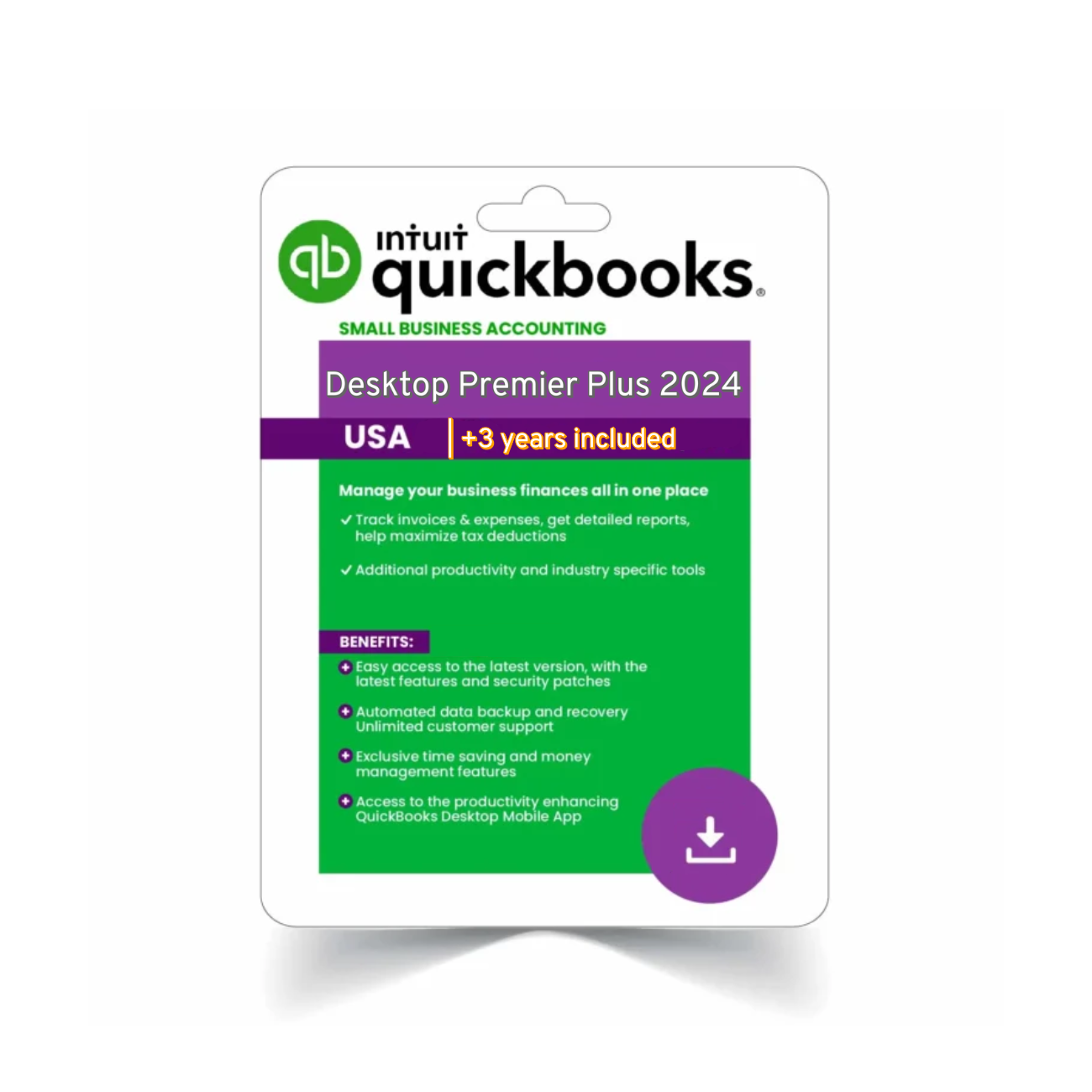
 QuickBooks Premier Plus 2024 – Built for Specialized Businesses
QuickBooks Premier Plus 2024 adds industry-focused functionality, making it a great fit for retail, construction, nonprofits, and more.
Best For:
Service businesses
Retailers and nonprofits
Construction contractors
Key Features:
Industry-specific reports and tools
Forecasting and budgeting
Time tracking and job costing
Supports up to 5 users
You’ll benefit from the tailored functionality without needing a full Enterprise-level setup.
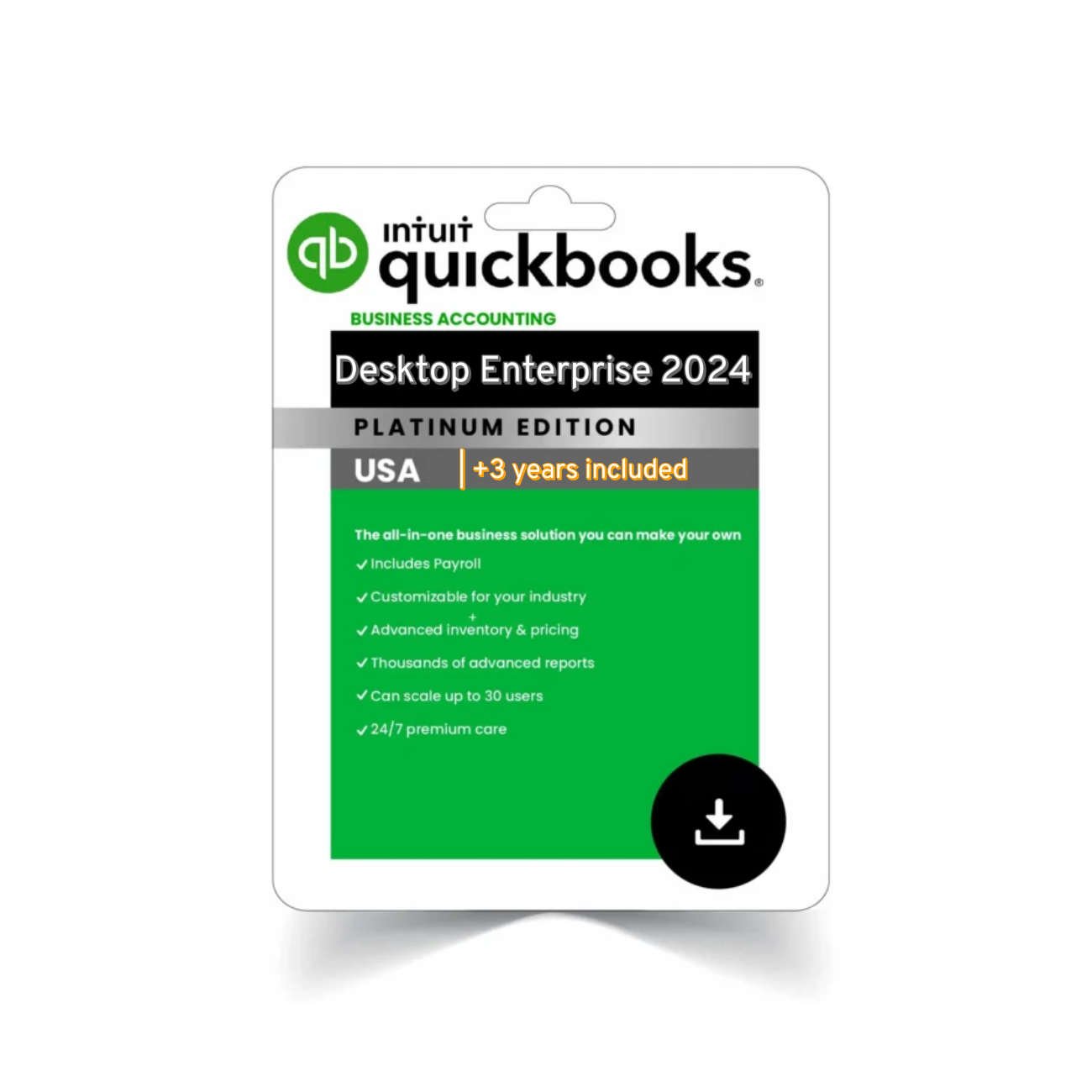
 QuickBooks Enterprise 2024 – Scale Without Limits
QuickBooks Enterprise 2024 is the most powerful version of Desktop. If your business is managing large inventories, has 10+ users, or requires advanced reporting and pricing, this is your best option.
Best For:
Warehousing and distribution
Manufacturers and multi-location businesses
Companies needing full payroll and support
Key Features:
Up to 40 users with role-based access
Advanced inventory (FIFO, multiple sites, barcodes)
Built-in Enhanced Payroll
More than 200 customizable reports
Pro Tip:
Enterprise also includes priority support, making it ideal for businesses where downtime isn’t an option.
 QuickBooks Mac Plus 2024 – A Native Mac Solution
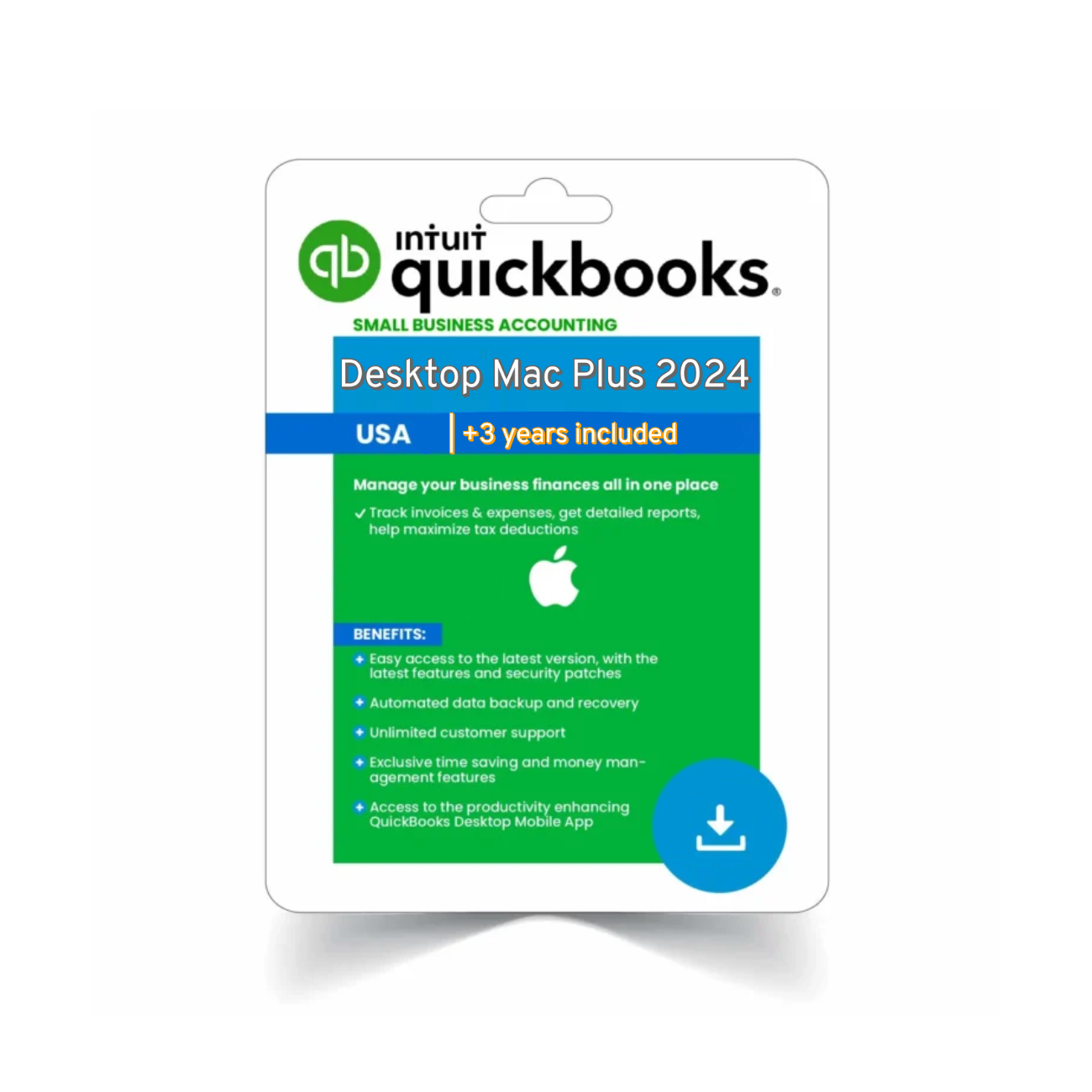
QuickBooks Mac Plus 2024 is designed exclusively for Mac users. It offers a sleek, Apple-native interface and all the basic accounting tools most small businesses need.
Best For:
Apple-only businesses
Consultants and creatives
Light inventory needs
Key Features:
Sync with iCloud
Invoice, track expenses, and reconcile accounts
Up to 3 users
If you don’t want to install a Windows emulator, this is your best route.
 QuickBooks Payroll Enhanced – Essential Add-On
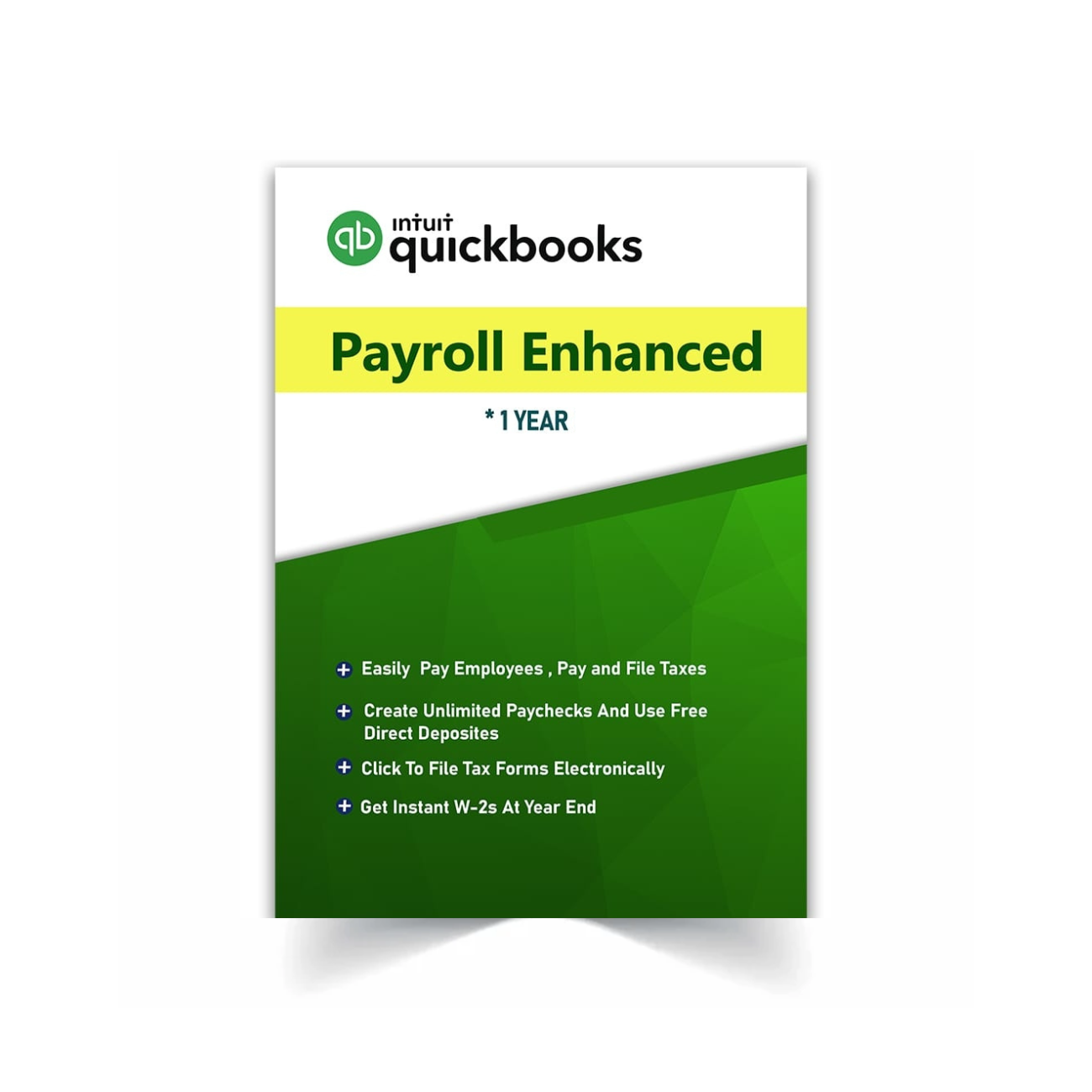
No matter which version you choose, if you have employees, QuickBooks Payroll Enhanced 2024 is worth considering.
Benefits:
Unlimited payroll runs
Federal and state tax forms
W-2 and 1099 support
Integrated with all Desktop versions
 Full Feature Comparison Table (2024)
| Feature | Pro Plus | Premier Plus | Enterprise | Mac Plus |
|---|---|---|---|---|
| Max Users | 3 | 5 | 40 | 3 |
| Inventory | Basic | Intermediate | Advanced | Basic |
| Job Costing |  | | | |
| Payroll Integration | Add-on | Add-on | Built-in | Add-on |
| Industry Reports | | | | |
| Advanced Pricing | | | | |
 How to Choose the Right QuickBooks Desktop Version 2024
Ask yourself:
How many users will need access?
Do I need job costing or inventory tools?
Is my business service or product-based?
Am I using Mac or Windows?
Do I run payroll in-house?
Use this checklist to guide your final decision.
 Final Recommendations
| Need | Version |
|---|---|
| Basic accounting | Pro Plus 2024 |
| Industry-specific tools | Premier Plus 2024 |
| Scalable business setup | Enterprise 2024 |
| Apple compatibility | Mac Plus 2024 |
| Payroll processing | Payroll Enhanced 2024 |
Each QuickBooks Desktop version 2024 offers unique advantages based on your size and features.
Explore the official QuickBooks Desktop download center to check system requirements or download installation files for QuickBooks Desktop version 2024.
🧭 Still Deciding on the Right QuickBooks Desktop Version 2024?
If you’re still unsure which QuickBooks Desktop version 2024 fits your business, think about your daily operations. Do you manage a lot of inventory? Do multiple team members need access at the same time? Are industry-specific reports important to you? These small details can point you in the direction of Pro, Premier, or Enterprise much faster than comparing features alone.
Also consider your future growth. A solo freelancer may find that Pro Plus is perfect right now, but a fast-growing agency might outgrow it within a year. That’s where the scalability of Premier or Enterprise shines. Each QuickBooks Desktop version 2024 is designed with different workflows and team sizes in mind, so you’re not overpaying for features you won’t use or underbuying functionality you’ll need later.
And if you’re running payroll or using Mac devices, don’t forget to look at the specialized editions and add-ons that can make QuickBooks even more powerful. Investing in the right version today can save you time, reduce errors, and help your business stay compliant year-round.