📑 Table of Contents
Introduction
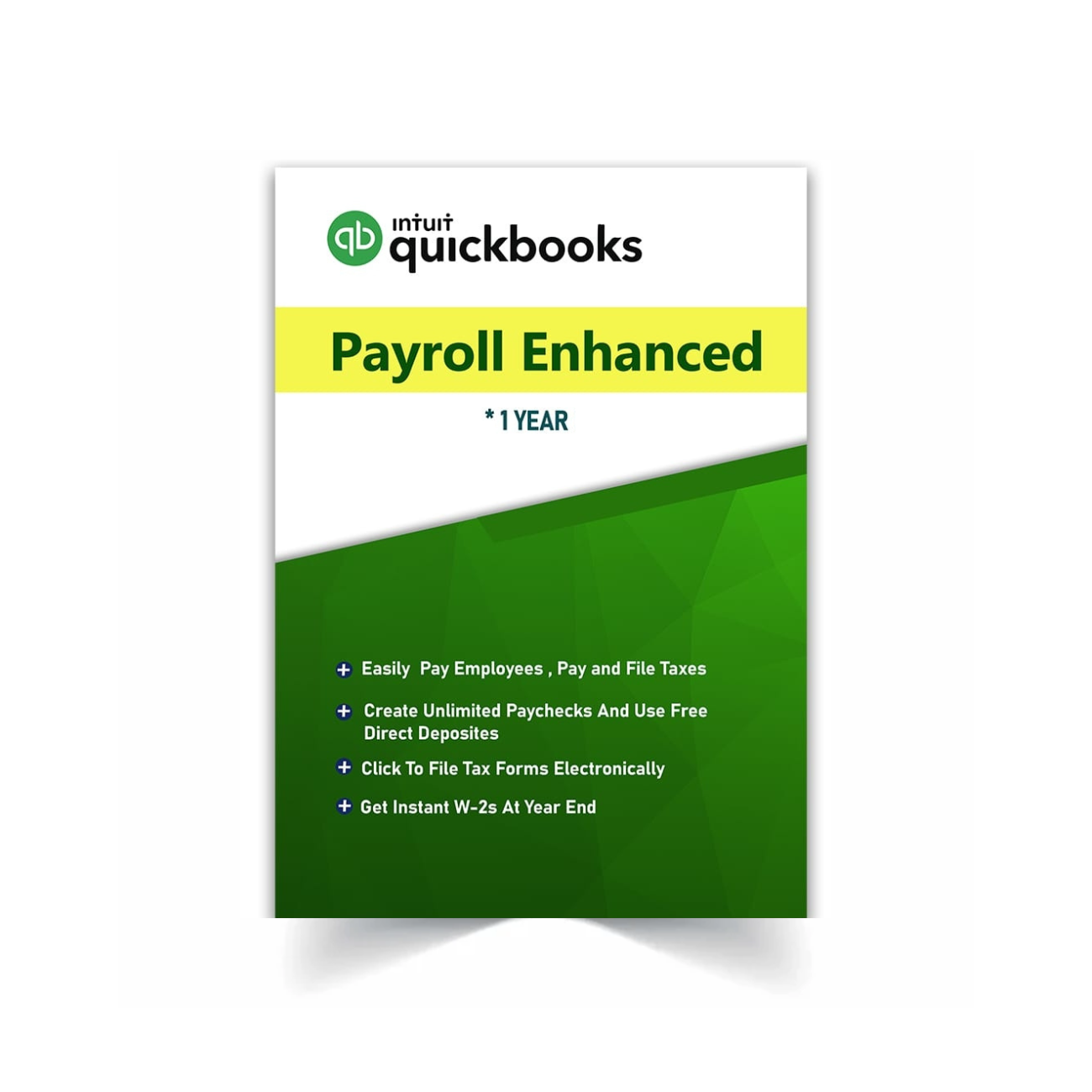
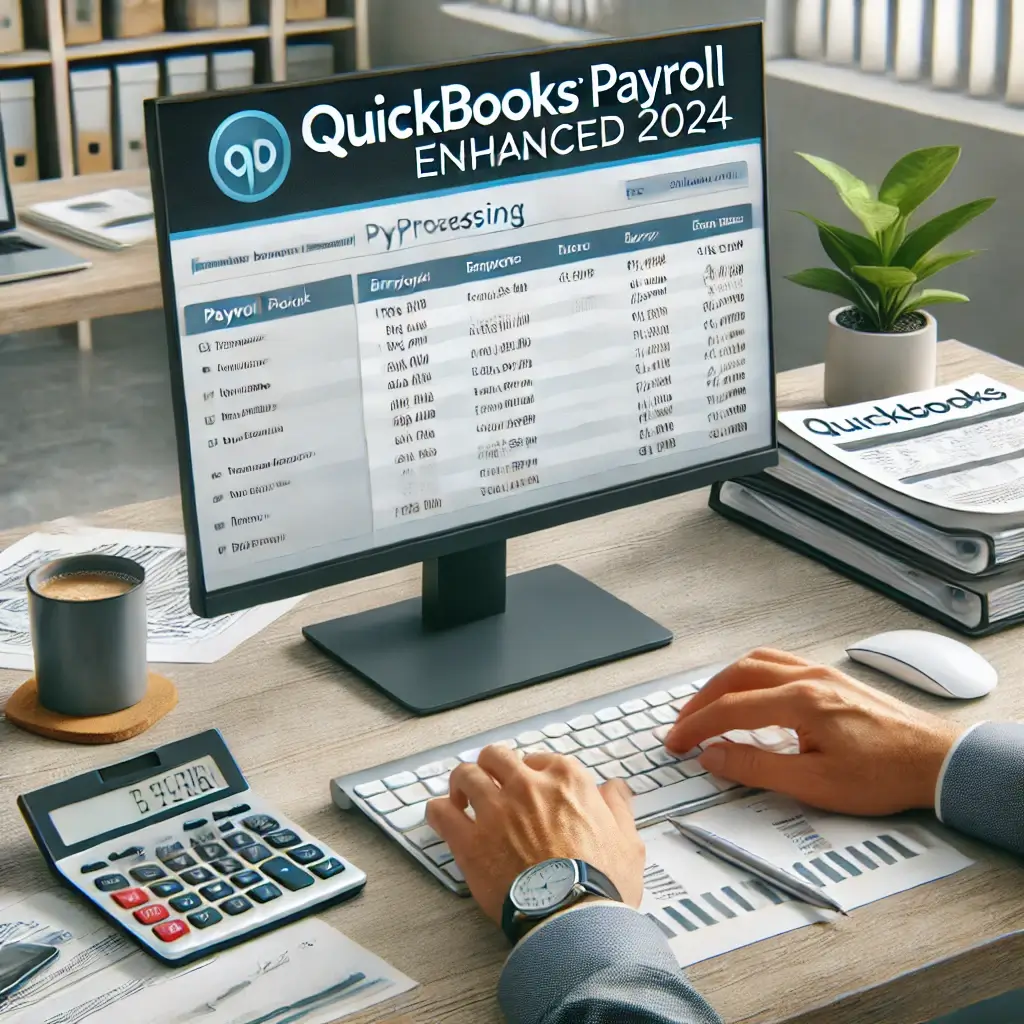
Payroll can be one of the most time-consuming—and legally sensitive—tasks for any business. From calculating hours and taxes to issuing paychecks and filing returns, even small mistakes can lead to big consequences. That’s why many small and mid-sized businesses turn to QuickBooks Payroll Enhanced 2024.
Designed to integrate seamlessly with QuickBooks Desktop editions, this solution gives you control, automation, and accuracy without requiring deep payroll expertise. If you’re using QuickBooks Pro, Premier, or Enterprise, adding Payroll Enhanced is often the most cost-effective way to handle employee payments and stay tax-compliant.
In this guide, we’ll explore the features, setup process, benefits, and common questions around QuickBooks Payroll Enhanced 2024, helping you decide if it’s the right payroll tool for your business this year.
What Is QuickBooks Payroll Enhanced 2024?
QuickBooks Payroll Enhanced is a subscription-based service that works directly within QuickBooks Desktop software. It provides powerful tools to manage:
-
Payroll runs for hourly and salaried employees
-
Payroll taxes (calculations, filing, and payments)
-
W-2s, 1099s, and other employee forms
-
Direct deposits and pay stubs
-
Compliance with federal and state labor laws
Unlike QuickBooks Online Payroll, the Enhanced version is integrated into QuickBooks Desktop, allowing for tighter control over your books, custom reports, and job costing integrations.
💡 Pro Tip: Maximize Accuracy with QuickBooks Payroll Reports
One of the most overlooked features in QuickBooks Payroll Enhanced 2024 is its extensive library of customizable payroll reports. These reports aren’t just for record-keeping—they’re powerful tools for making smarter business decisions. You can generate summaries for individual pay periods, track liabilities, compare employer contributions, and even forecast labor costs for upcoming projects. Whether you’re preparing for tax season, applying for financing, or just want a better understanding of your overhead, these reports can help you stay ahead. Plus, they’re exportable in multiple formats, making it easy to share with accountants or integrate with external financial tools.
Who Should Use It?
QuickBooks Payroll Enhanced is ideal for small to medium-sized U.S. businesses that:
-
Use QuickBooks Desktop Pro, Premier, or Enterprise
-
Prefer to manage payroll in-house
-
Want automated tax calculations and form generation
-
Need to pay employees by check or direct deposit
-
Employ hourly, salaried, or contract staff
-
Require transparent reporting for accountants or audits
It’s especially helpful if your business wants to reduce outsourcing costs while staying compliant with payroll regulations.
Key Features of Payroll Enhanced
Let’s break down what makes QuickBooks Payroll Enhanced 2024 such a valuable tool for desktop users.
✅ 1. Unlimited Payroll Runs
Pay employees as often as needed—weekly, biweekly, or custom cycles—with no additional fees. Many online services charge per payroll run or per employee, but Enhanced keeps it simple.
✅ 2. Automatic Tax Calculations
Federal, state, and local payroll taxes are calculated automatically. QuickBooks updates tax rates behind the scenes so your calculations stay accurate without manual input.
✅ 3. E-Filing for Forms and Payments
You can electronically file payroll forms like W-2s, 941s, 940s, and state tax documents. QuickBooks also allows direct electronic payments for tax liabilities.
✅ 4. Pay Stub and W-2 Generation
Create branded pay stubs and W-2s within QuickBooks. Employees can be emailed or provided login access to download their documents independently.
✅ 5. Direct Deposit
Pay employees via direct deposit into checking or savings accounts. Funds are usually deposited within 1-2 business days.
✅ 6. Employee Portal Access
Give employees secure online access to view their pay history, download W-2s, and update personal info.
✅ 7. Payroll Reports
View summaries of payroll expenses, employee taxes, and liabilities. Export or customize reports for your accountant or internal audits.
✅ 8. Built-In Support
Your subscription includes access to QuickBooks-certified payroll support specialists who can help with setup or troubleshooting.
🔄 Why Choose QuickBooks Payroll Enhanced 2024 Over Other Options?
When it comes to payroll, reliability and accuracy are non-negotiable. QuickBooks Payroll Enhanced 2024 gives small business owners peace of mind with its streamlined workflow, automatic tax updates, and full integration with QuickBooks Desktop. Unlike standalone payroll tools or online services that charge per employee, Enhanced Payroll provides unlimited payroll runs at a fixed annual price. This not only saves money but also ensures your team gets paid on time, every time. Its flexibility, coupled with real-time reporting and federal and state tax compliance, makes it a smart investment for businesses ready to bring payroll management in-house. Whether you’re paying three employees or thirty, QuickBooks Enhanced adapts to your growth with minimal friction and maximum control.
Step-by-Step: How to Set Up QuickBooks Payroll Enhanced 2024
Here’s how to get started if you’ve purchased QuickBooks Payroll Enhanced 2024:
✅ Step 1: Activate Your Service Key
-
After purchasing, you’ll receive a service key by email.
-
Open QuickBooks Desktop > Employees > Payroll Setup > Enter Service Key.
✅ Step 2: Enter Company Payroll Details
-
Set up your EIN, business address, and contact info.
-
Enter pay schedule, frequency, and payment methods.
✅ Step 3: Add Employees
-
Add each employee with details like job title, pay rate, tax info, and benefits.
-
You can import from Excel or input manually.
✅ Step 4: Configure Taxes and Deductions
-
QuickBooks will walk you through setting up tax tables and state-specific rules.
-
Add deductions like insurance, retirement, or garnishments if applicable.
✅ Step 5: Run Your First Payroll
-
Use the Payroll Center to select employees, enter hours, and preview checks.
-
Print checks or submit direct deposit.
📊 Real-World Benefits of QuickBooks Payroll Enhanced 2024
Implementing QuickBooks Payroll Enhanced 2024 can have a measurable impact on your business in several key areas:
🔒 1. Peace of Mind with Tax Compliance
Keeping up with federal and state tax regulations is exhausting. Enhanced Payroll automatically updates with new tax tables and rules, ensuring you’re always compliant without extra research or external accountants.
⏱️ 2. Massive Time Savings
Manual payroll processes can take hours. With Enhanced, once employee profiles are set, you can run full payroll cycles in just minutes. Plus, features like recurring pay schedules and saved templates reduce repetitive work.
💼 3. Better Budgeting and Forecasting
With access to built-in reports and historical data, businesses can easily project labor costs, assess seasonal trends, and make hiring decisions based on real data.
👨💼 4. Empowered Employees
The self-service portal eliminates time-wasting HR requests. Employees can download their own pay stubs and W-2s, update information, and view tax withholdings without needing to email or call your team.
🔄 How It Compares: Payroll Enhanced vs Alternatives
Here’s how QuickBooks Payroll Enhanced 2024 compares with other payroll solutions:
| Feature | Payroll Enhanced | QuickBooks Online Payroll | Gusto | ADP |
|---|---|---|---|---|
| Platform Integration | Desktop | Online | Online | Online |
| Tax Filing | Included | Included | Included | Extra Cost |
| Unlimited Payroll Runs | Yes | Yes | Yes | Often Extra |
| Direct Deposit | Yes | Yes | Yes | Yes |
| Industry Specialization | Desktop editions | General use | General | General |
| Best For | In-house control | Remote teams | Startups | Enterprise |
💡 Verdict: If you’re already using QuickBooks Desktop, Enhanced Payroll is the most seamless, cost-effective, and secure way to manage payroll without relying on external tools.
🧠 Common Use Cases
👷 For Construction Firms:
Run payroll by job and allocate labor costs accurately using QuickBooks Premier or Enterprise Contractor Edition.
🧾 For Accountants and Bookkeepers:
Save time processing payroll for multiple clients with batch functionality and advanced reporting.
🧑💼 For Professional Services:
Pay salaried and hourly employees while easily tracking PTO, benefits, and tax obligations — all within QuickBooks.
❓ FAQs – QuickBooks Payroll Enhanced 2024
Q1: Can I use Payroll Enhanced with all Desktop editions?
Yes. It works with QuickBooks Pro Plus, Premier Plus, and Enterprise editions from 2021 onward.
Q2: Can Payroll Enhanced handle 1099 contractors?
Yes. You can track, pay, and generate 1099s for independent contractors in the same dashboard.
Q3: How are payroll taxes handled?
QuickBooks calculates, files, and allows you to pay federal and state taxes electronically. You control the process but get full automation support.
Q4: Can I switch from another payroll system?
Yes. You can manually import employee data or use the setup wizard for a smoother transition.
Q5: Is there a mobile app for Payroll Enhanced?
No. Payroll Enhanced is for desktop only. If you need payroll on the go, consider QuickBooks Online Payroll instead.
🧾 Where to Buy QuickBooks Payroll Enhanced 2024
Skip monthly employee fees and get a 1-year license for unlimited employees with free expert support at:
👉 Buy QuickBooks Payroll Enhanced 2024 – Agenzix
Includes:
-
Instant delivery of service key
-
Free/Unlimited customer support
-
1-year subscription, valid for 1 user/company
-
Works with all QuickBooks Desktop editions
Also explore related versions:
📎 External Resources
Check out official guides, downloads, and support from Intuit:
🔗 QuickBooks Desktop Payroll Support
🔚 Final Thoughts
QuickBooks Payroll Enhanced 2024 gives you the power of in-house payroll with automation, accuracy, and confidence — no external service required. It’s ideal for QuickBooks Desktop users who want complete control over employee payments, taxes, and compliance without the learning curve.
Whether you’re running a small team or managing multiple departments, this tool can help you simplify operations, save money, and stay ahead of tax deadlines. And if you’re already using QuickBooks Pro, Premier, or Enterprise, adding Enhanced Payroll is the smartest next step.