
QuickBooks Desktop Comparison 2024: Find the Right Fit
If you’re searching for a clear and real-world QuickBooks Desktop comparison 2024, you’re in the right place. Whether you’re considering Pro, Premier, or Enterprise, this guide will help you choose confidently. We’re comparing the features that matter most to small business owners — not just specs, but what each version can actually do for your day-to-day operations.
 QuickBooks Desktop Comparison 2024: What’s the Difference?
| Feature | Pro Plus 2024 | Premier Plus 2024 | Enterprise Platinum 2024 |
|---|---|---|---|
| Users | Up to 3 | Up to 5 | Up to 40 |
| Payroll | Optional | Optional | Included |
| Inventory Tools | Basic | Enhanced | Advanced |
| Industry-Specific Features |  |
 |
|
| Custom Reporting | Basic | Moderate | Advanced |
| Advanced Pricing Rules | |
|
|
| Updates & Support | 1 Year | 1 Year | 1 Year Priority |
| Subscription Model | Annual | Annual | Annual |
Each version serves a different type of business — from self-employed consultants to
growing mid-sized firms and enterprise-level teams that need robust accounting control and inventory management.
QuickBooks Pro Plus 2024 – Simple, Streamlined
Best for: Freelancers, independent contractors, and small service-based businesses
If you’re just starting your business or only need the basics — tracking income, sending invoices, paying bills — then QuickBooks Pro Plus 2024 is your best bet.
Pros:
-
Affordable entry point
-
Easy to learn and use
-
Reliable for basic accounting needs
Cons:
-
Limited to 3 users
-
No industry-specific tools
-
Lacks advanced inventory or pricing options
This version works beautifully for local consultants, photographers, event planners, and tradespeople who need a desktop solution but don’t want extra complexity.
QuickBooks Premier Plus 2024 – Industry-Focused Power
Best for: Niche industries like nonprofits, retail, contractors, and manufacturers
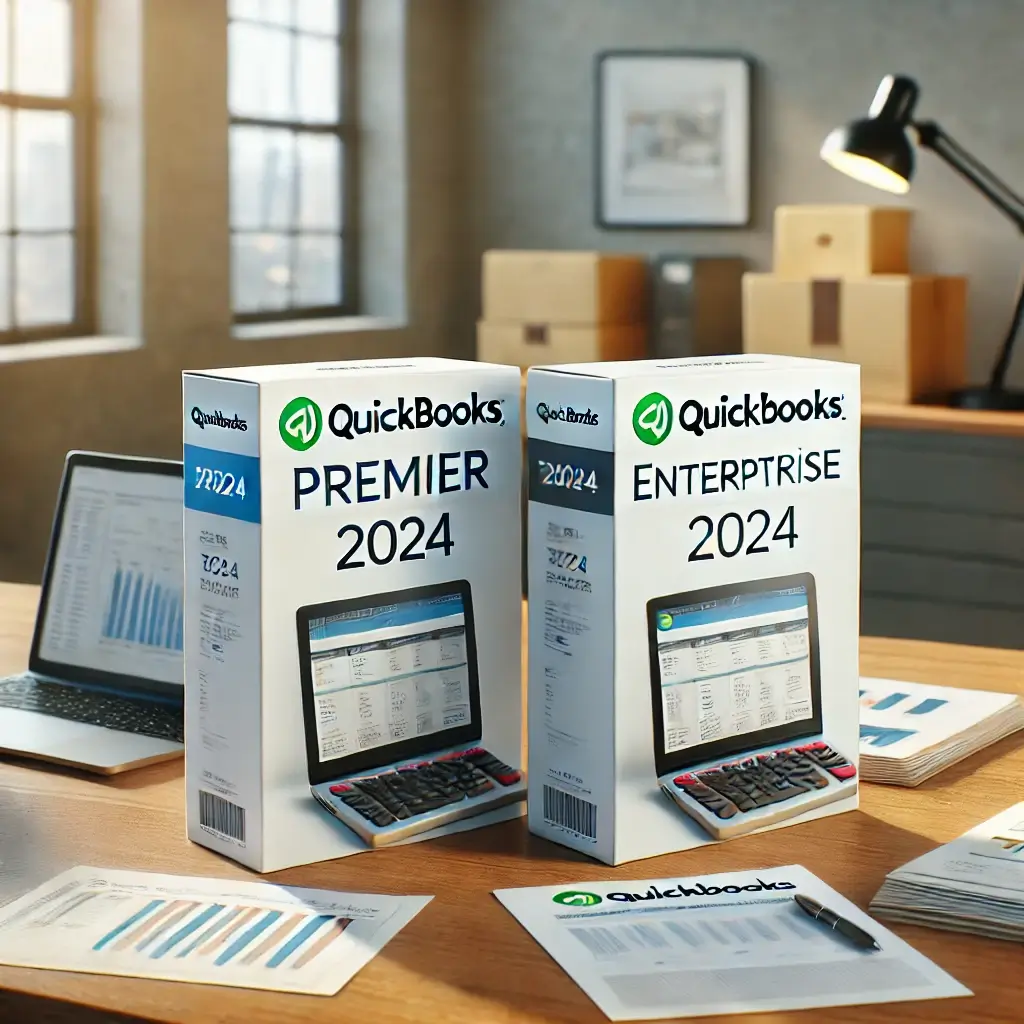
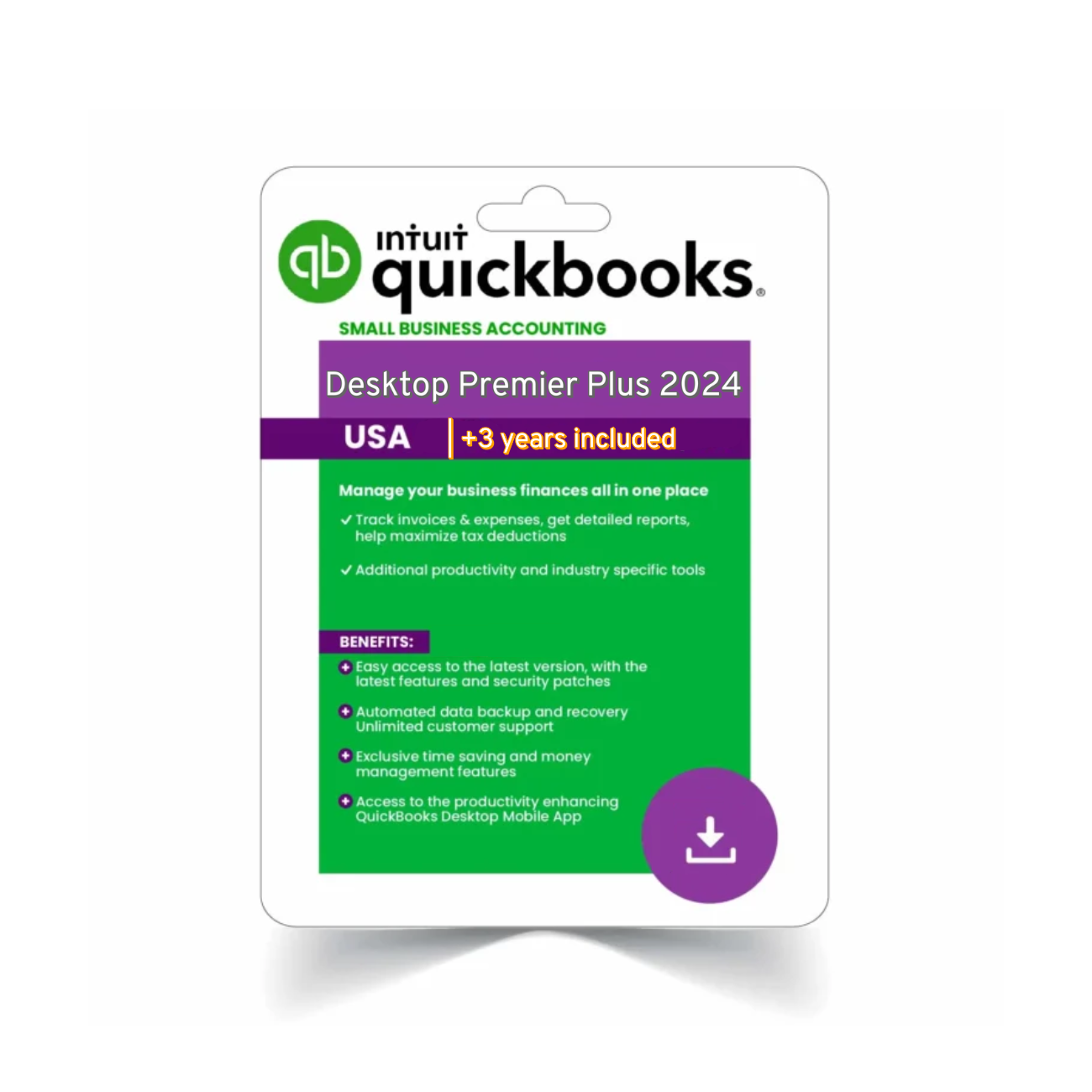
QuickBooks Premier Plus 2024 is one step up and includes tailored tools for six industries. If you’re running jobs, tracking inventory, or need detailed forecasts — Premier is likely your match.
Pros:
-
Custom reports by industry
-
Time tracking, job costing, and inventory tools
-
More control and depth than Pro
Cons:
-
Still capped at 5 users
-
Doesn’t include payroll by default
This version is ideal for businesses that are past the startup phase but don’t yet need the complexity of Enterprise.
QuickBooks Enterprise Platinum 2024 – Built to Scale
Best for: Large businesses, wholesale and distribution, advanced inventory control
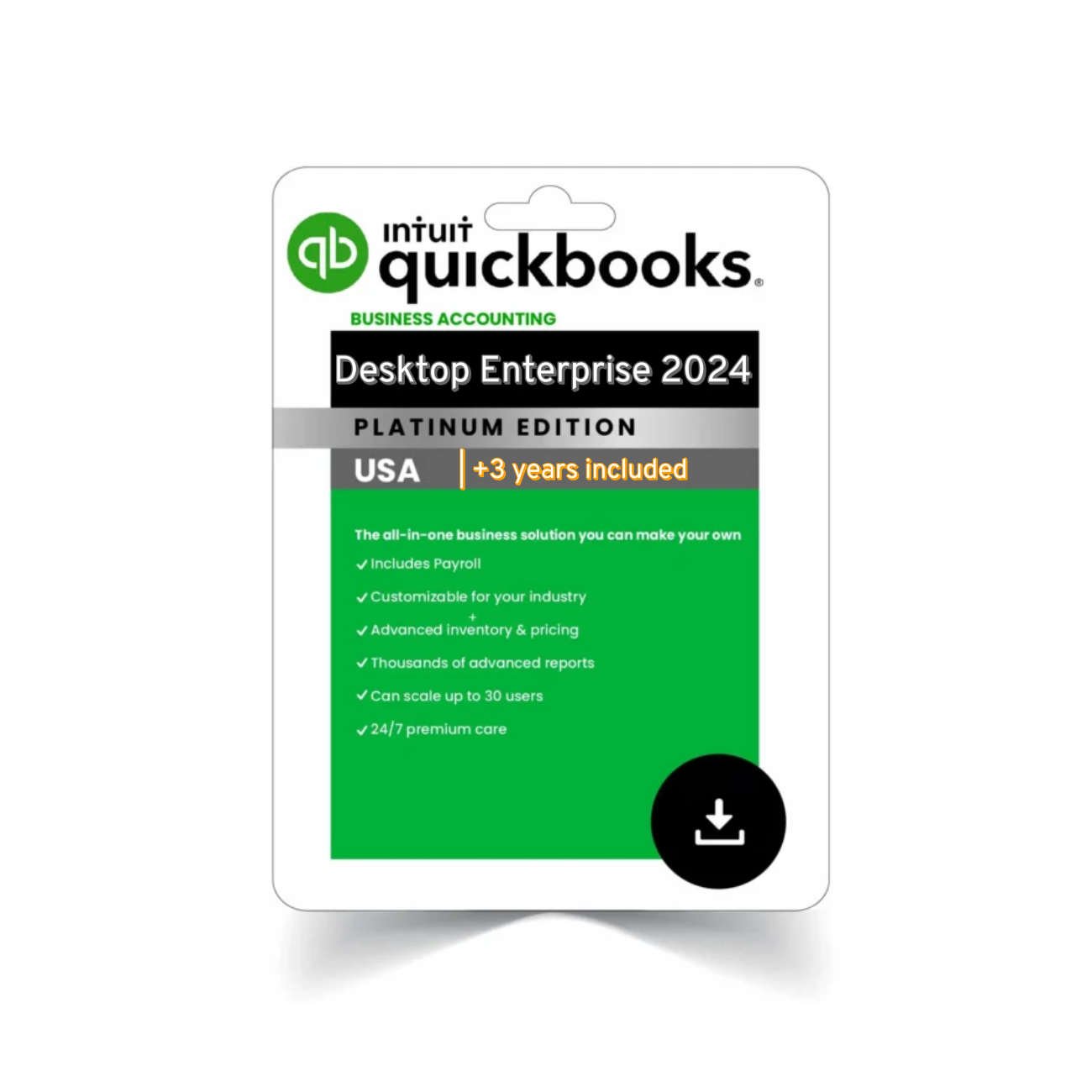
QuickBooks Enterprise Platinum 2024 is the most advanced desktop solution. If you manage thousands of products, need barcoding, or have dozens of users, this is your best option.
Pros:
-
Up to 40 users
-
Advanced inventory and pricing rules
-
Enhanced payroll included
-
Priority customer support
Cons:
-
Higher upfront cost
-
Requires some onboarding time
 QuickBooks Desktop Pricing Summary (2024)
| Edition | Annual Cost (Approximate) |
|---|---|
| Pro Plus 2024 | $299 |
| Premier Plus 2024 | $499 |
| Enterprise Platinum 2024 | Starts at $1,200+ |
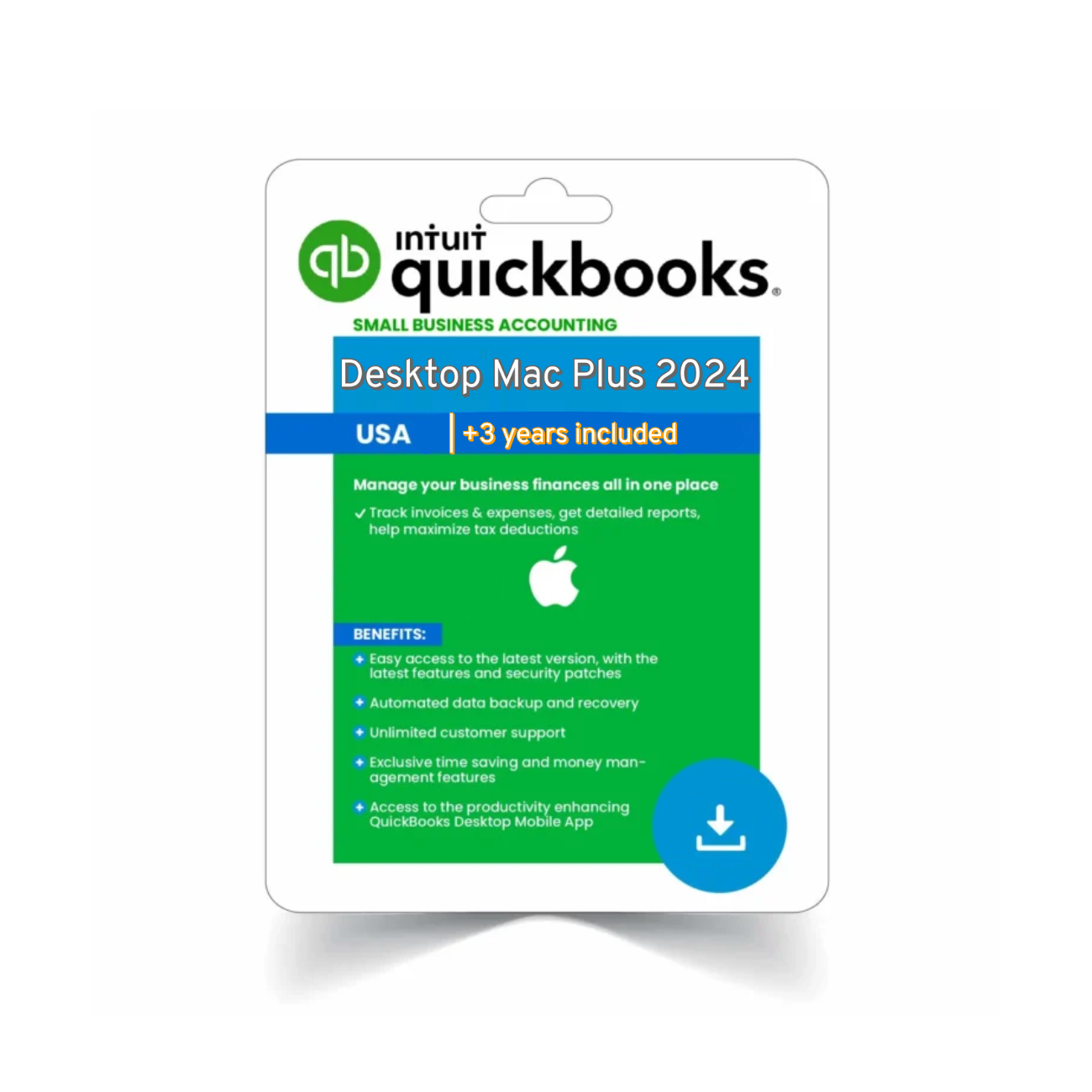
 All versions come with a 1-year subscription that includes customer support, updates, and backup tools.
 Why This QuickBooks Desktop Comparison 2024 Matters
Choosing the right QuickBooks edition isn’t about features alone — it’s about what your business needs today, and how it may grow in the future. This QuickBooks Desktop comparison 2024 helps simplify that decision-making process.
 Want a second opinion? You can compare specs directly via Intuit’s official comparison page.
 FAQs – QuickBooks Desktop Versions
 Which version is best for inventory tracking?
QuickBooks Enterprise Platinum 2024 offers the most advanced inventory tools — including barcode scanning, FIFO costing, and warehouse tracking.
Can I upgrade from Pro to Premier or Enterprise?
Yes. You can migrate your data easily between desktop versions when you upgrade.
Is Desktop better than QuickBooks Online?
If you need more power, custom reporting, or control, yes. But if you prioritize cloud access and remote teamwork, Online may be better.
Does each version come with payroll?
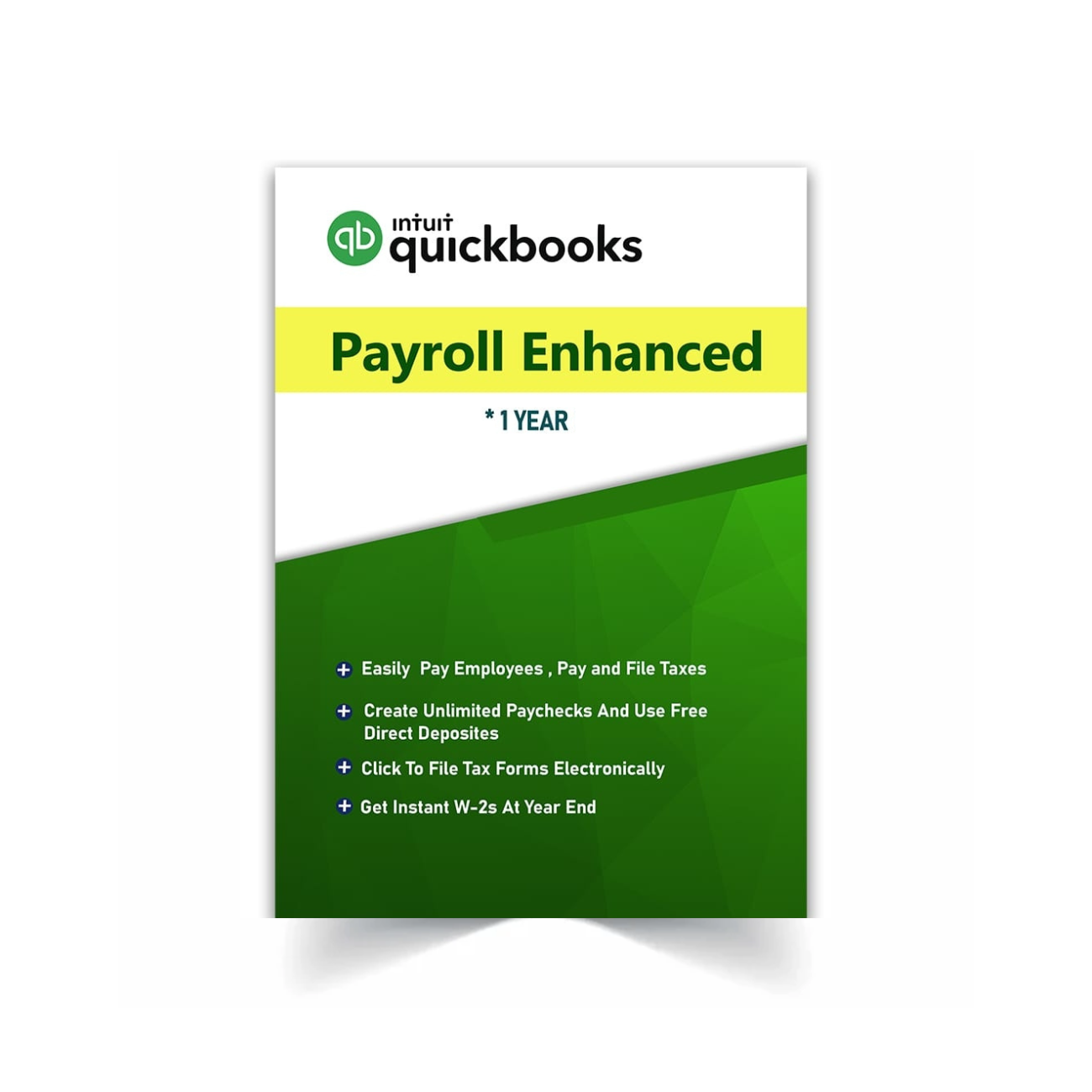
Only Enterprise Platinum includes built-in Enhanced Payroll. Pro and Premier can add it at an additional cost.
 Final Thoughts
This QuickBooks Desktop comparison 2024 lays out the real-world advantages of each version. Whether you’re just starting your business or preparing to scale up, choosing the right accounting software makes a big difference in how you operate day-to-day.
Still comparing? Browse all editions here: QuickBooks Desktop Products