Trying to choose between QuickBooks Desktop vs Online 2024?
In this article, we’ll compare QuickBooks Desktop vs Online 2024 from every angle — cost, features, speed, and who each version is best suited for.
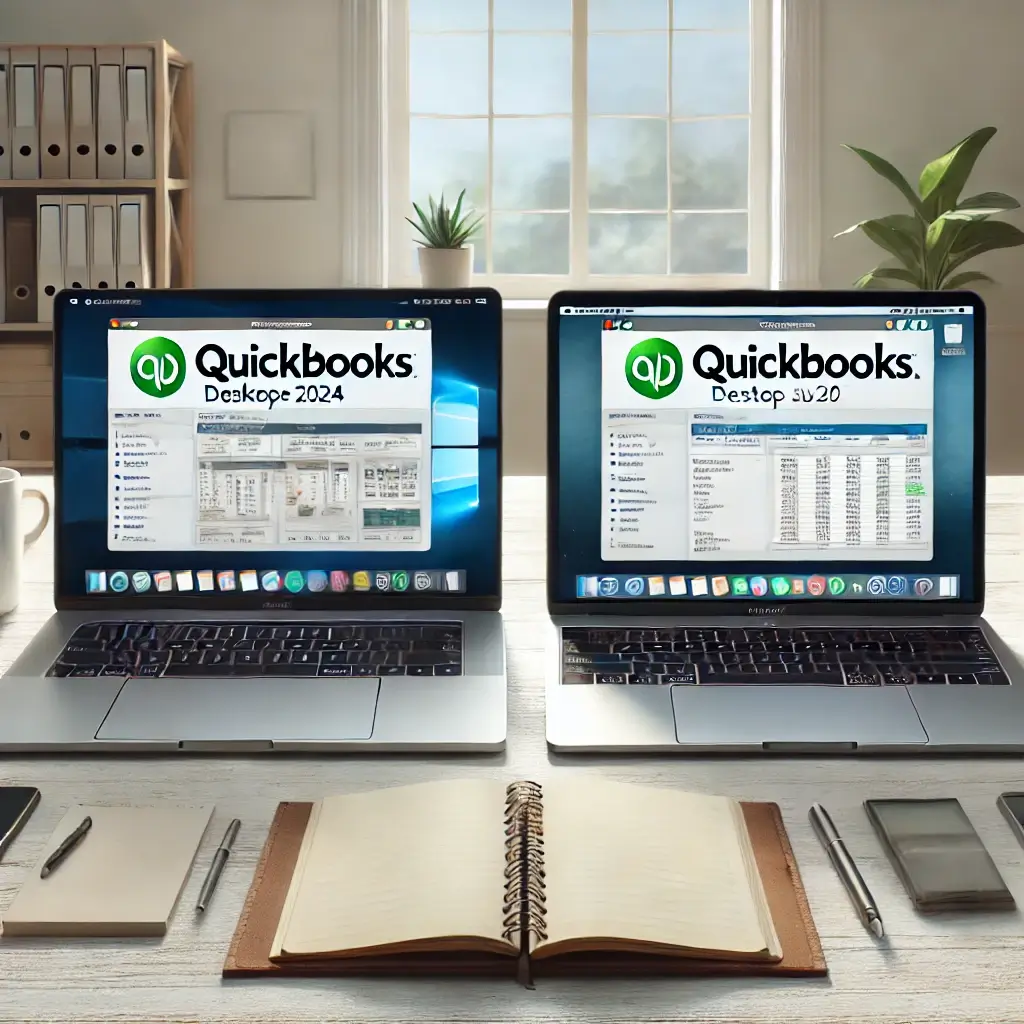
You’re not alone — this is one of the most common questions small business owners ask when deciding on accounting software. While both are powerful solutions from Intuit, they offer different experiences, features, and pricing models. In this guide, we’ll break down what sets them apart so you can decide which one fits your business best.
 QuickBooks Desktop vs Online 2024: Feature Breakdown
| Feature | QuickBooks Desktop 2024 | QuickBooks Online 2024 |
|---|---|---|
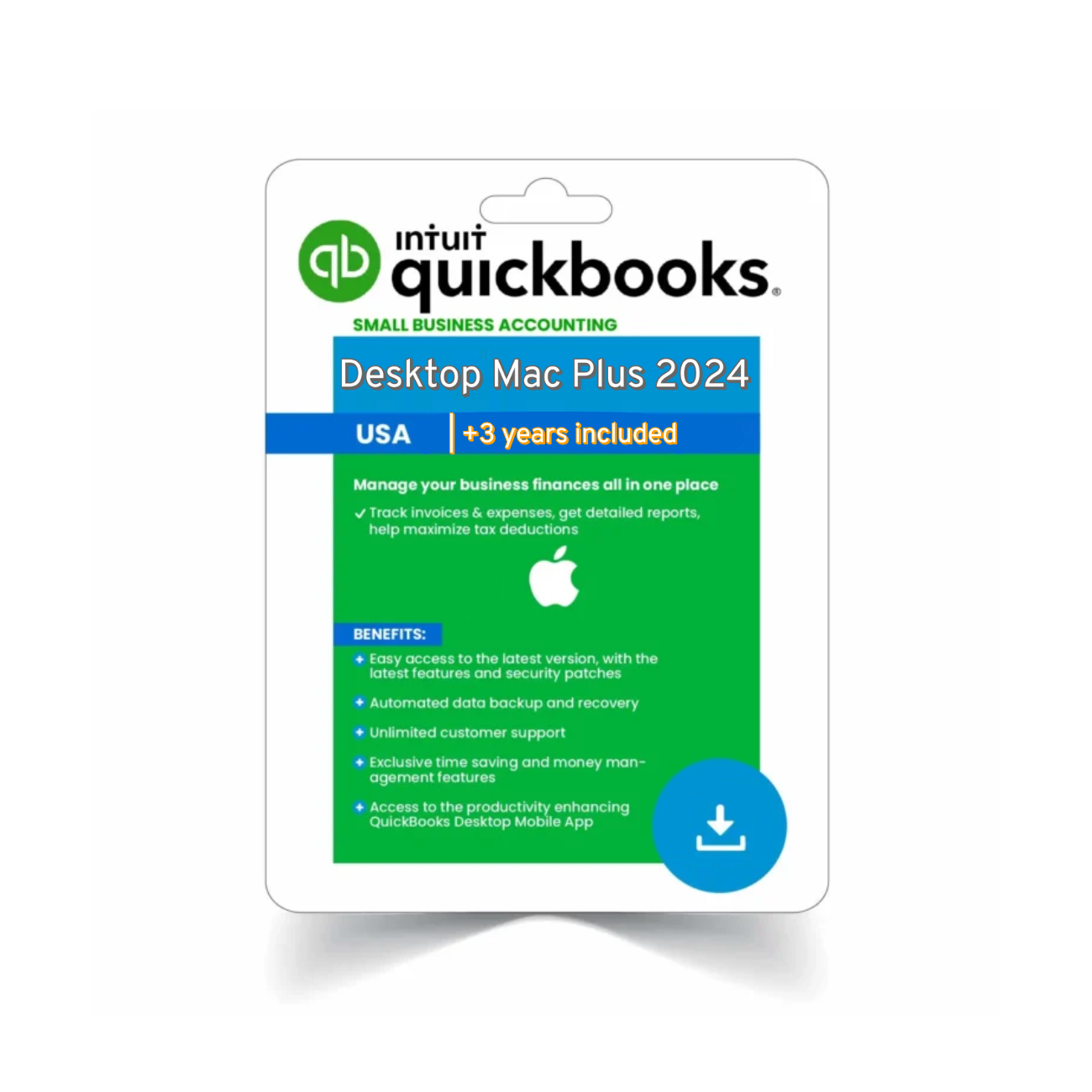
| Platform | Installed on PC or Mac | Cloud-based, web & mobile access |
| Pricing | Annual subscription | Monthly subscription |
| Access | Offline (local use) | Anywhere (internet required) |
| Performance | Fast, hardware dependent | Varies, dependent on internet |
| Customization | Deep, especially in Enterprise | Limited |
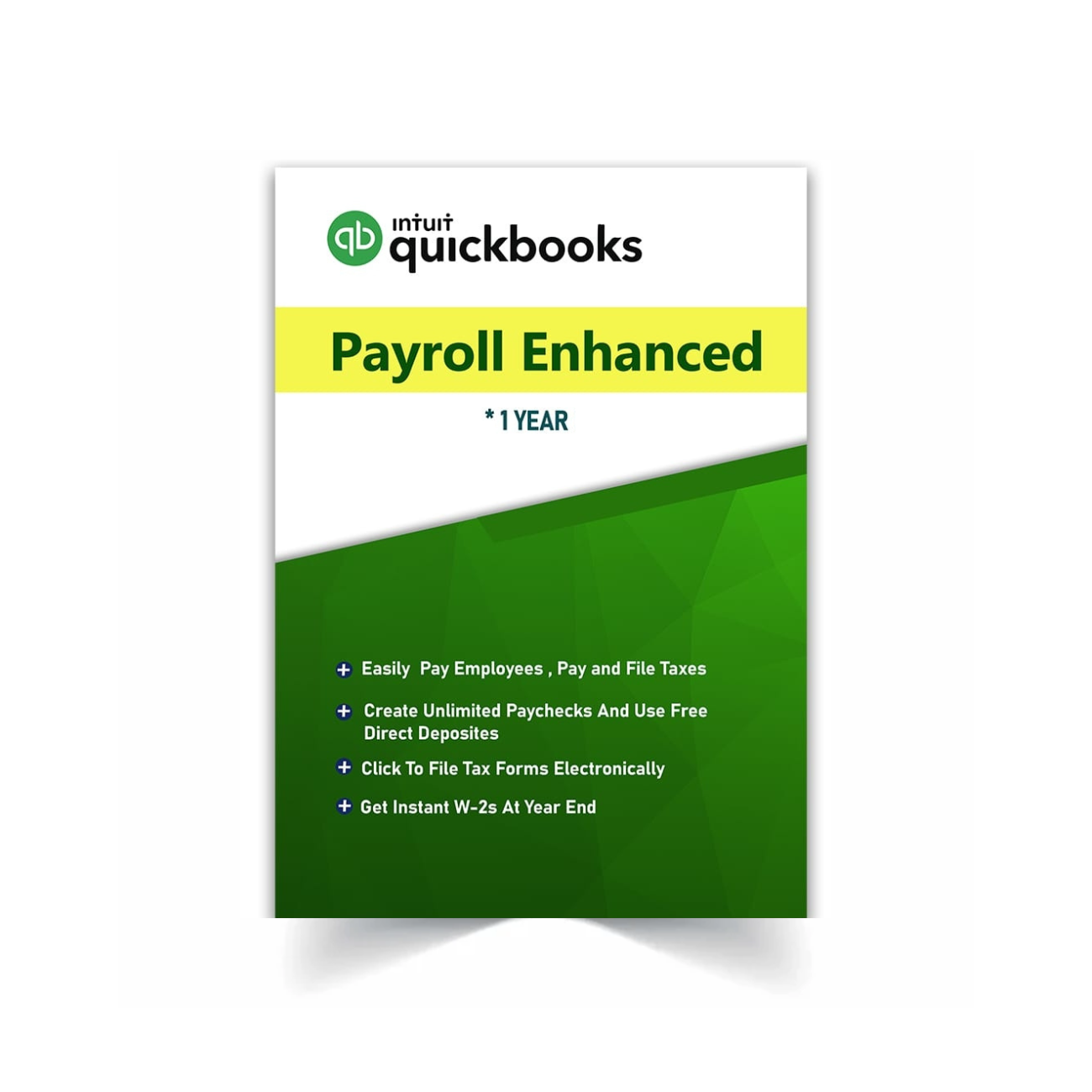
| Payroll | Built-in (Enhanced in Enterprise) | Optional add-on |
| Inventory | Advanced in Premier/Enterprise | Basic to moderate |
| Reporting | Extensive, highly customizable | Moderate reports |
| Multi-user | Yes (up to 40 in Enterprise) | Yes (based on plan) |
 Why Choose QuickBooks Desktop?
 Speed, Power & Control
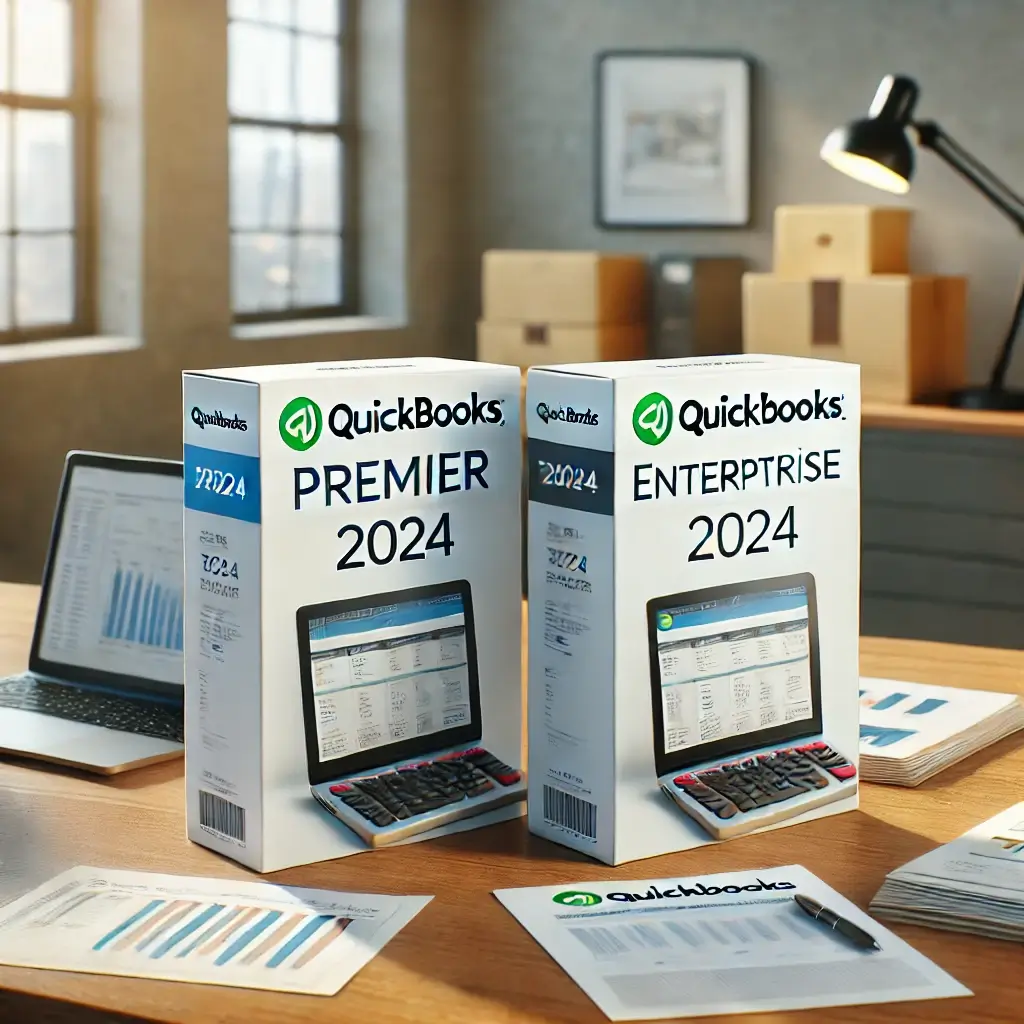
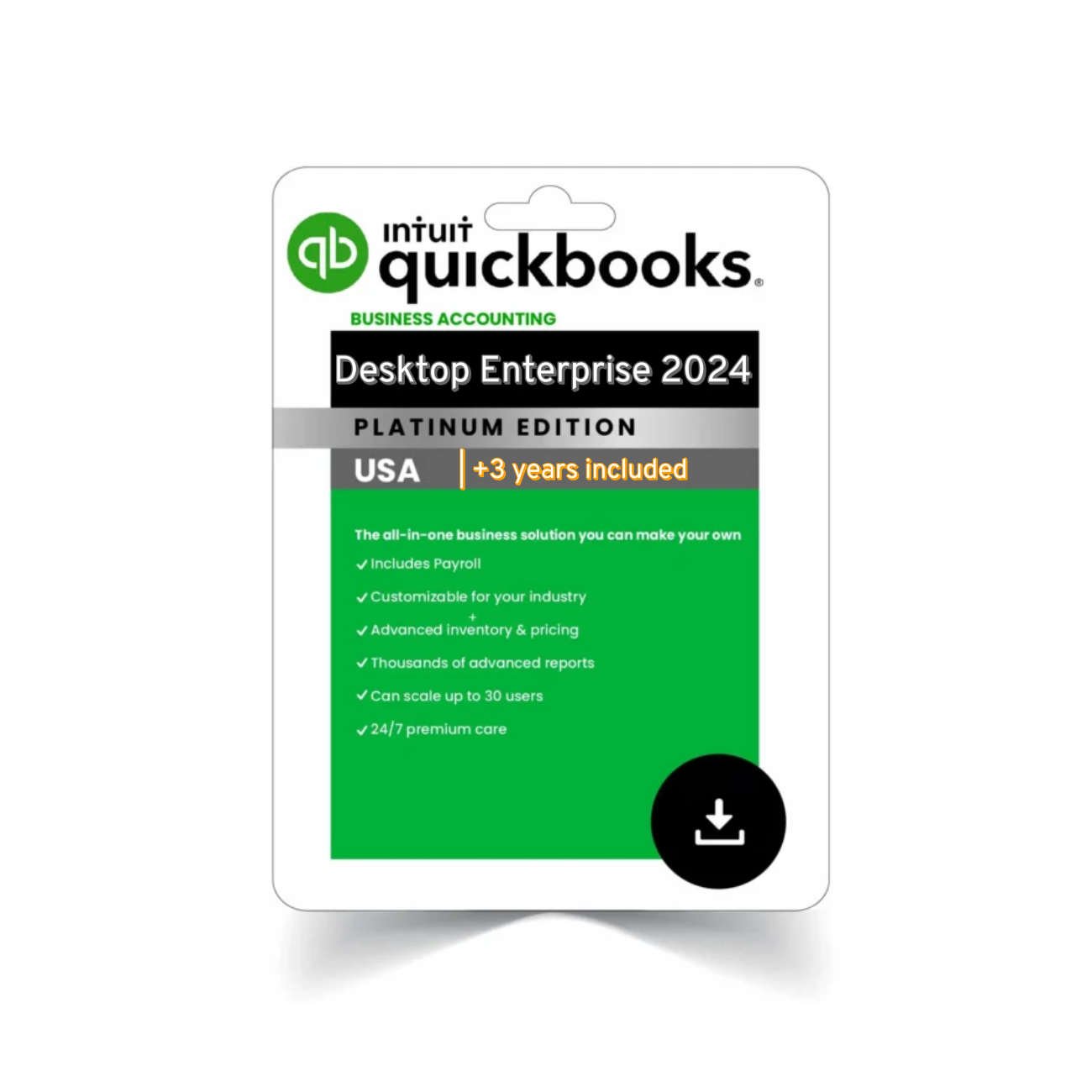
With desktop versions like QuickBooks Pro Plus 2024 or QuickBooks Enterprise Platinum 2024, you get faster processing and full control over your data — everything stays on your computer.
 Data Ownership & Privacy
You don’t rely on cloud servers, and you’re not paying monthly for access to your own books. It’s especially ideal if you work in a location with poor internet or handle sensitive client data.
 Advanced Tools
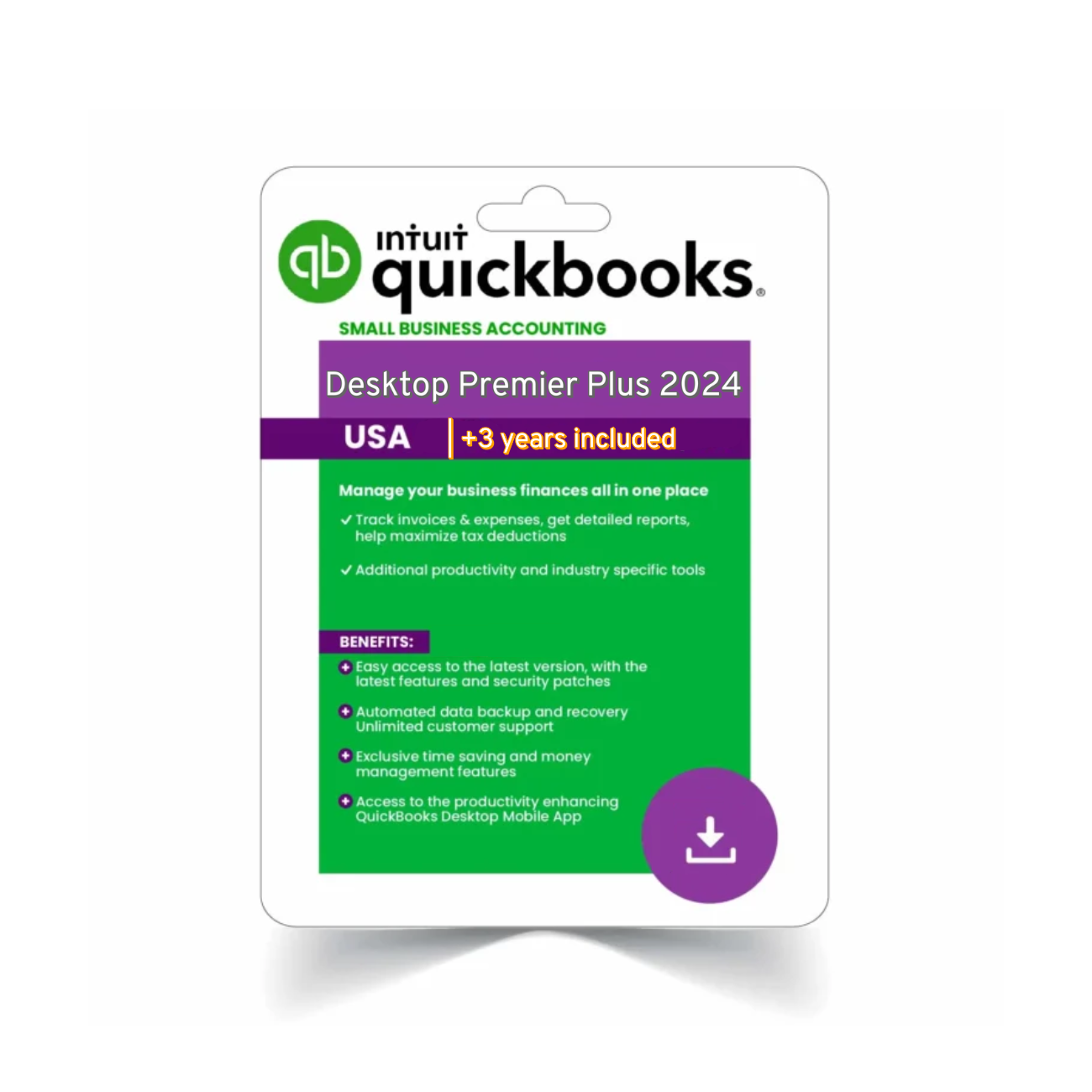
From job costing in Premier Plus 2024 to advanced inventory in Enterprise, Desktop is made for users who want rich functionality.
Why Choose QuickBooks Online?
 Accessibility
You can log in from anywhere — whether at the office, at home, or on the go. For many startups and service-based businesses, that flexibility is essential.
 Real-Time Collaboration
Your accountant, bookkeeper, or remote team can access your books anytime without complex setups. Everything is always synced.
 Simplicity
QuickBooks Online focuses on ease of use, especially for users with simpler bookkeeping needs. It’s a great fit if you want less setup and more mobility.
 Pricing Comparison (2024)
| Plan | Desktop | Online |
|---|---|---|
| Pro Plus 2024 | $299/year | — |
| Premier Plus 2024 | $499/year | — |
| Enterprise Platinum 2024 | From $1,200/year | — |
| Online Simple Start | — | $30/month |
| Online Essentials | — | $60/month |
| Online Plus | — | $85/month |
| Online Advanced | — | $200/month |
Note: Desktop includes support and updates for 1 year. Online plans require ongoing monthly payments, and some features (like payroll) are additional.
 So Which One’s Better?
 Choose QuickBooks Desktop 2024 if you:
-
Run a product-based business
-
Need powerful reporting or industry tools
-
Want long-term value without monthly fees
 Explore:
QuickBooks Pro Plus 2024
QuickBooks Premier Plus 2024
QuickBooks Enterprise Platinum 2024
Choose QuickBooks Online 2024 if you:
-
Prioritize cloud access and collaboration
-
Need real-time syncing with your accountant
-
Want a simpler, subscription-based setup
 Visit the official QuickBooks comparison page for more details.
 Additional Considerations for 2024
If you’re managing remote teams or work in a hybrid environment, QuickBooks Online can reduce friction by eliminating desktop setup headaches. On the other hand, businesses dealing with large invoices, vendor payments, or recurring bills may benefit more from the batch-processing speed that QuickBooks Desktop offers.
Looking ahead to 2025, Intuit continues to push cloud adoption, but many accountants still prefer the reliability and customization of QuickBooks Desktop. Depending on how your business operates — in-person, remote, or hybrid — it’s worth testing both in trial mode before committing.
 Final Recommendation
Choosing between QuickBooks Desktop vs Online 2024 comes down to how much control, customization, and speed you need — versus how much you value flexibility, simplicity, and access from anywhere.
Still unsure? Browse all our QuickBooks Desktop editions to find the best match for your business.
Whether you’re a freelancer or managing a team, QuickBooks has a version that fits. Be sure to explore trial options and consult your accountant to find the setup that scales with your needs.